Declutter a Room
The tidy version, rendered before the tidying.
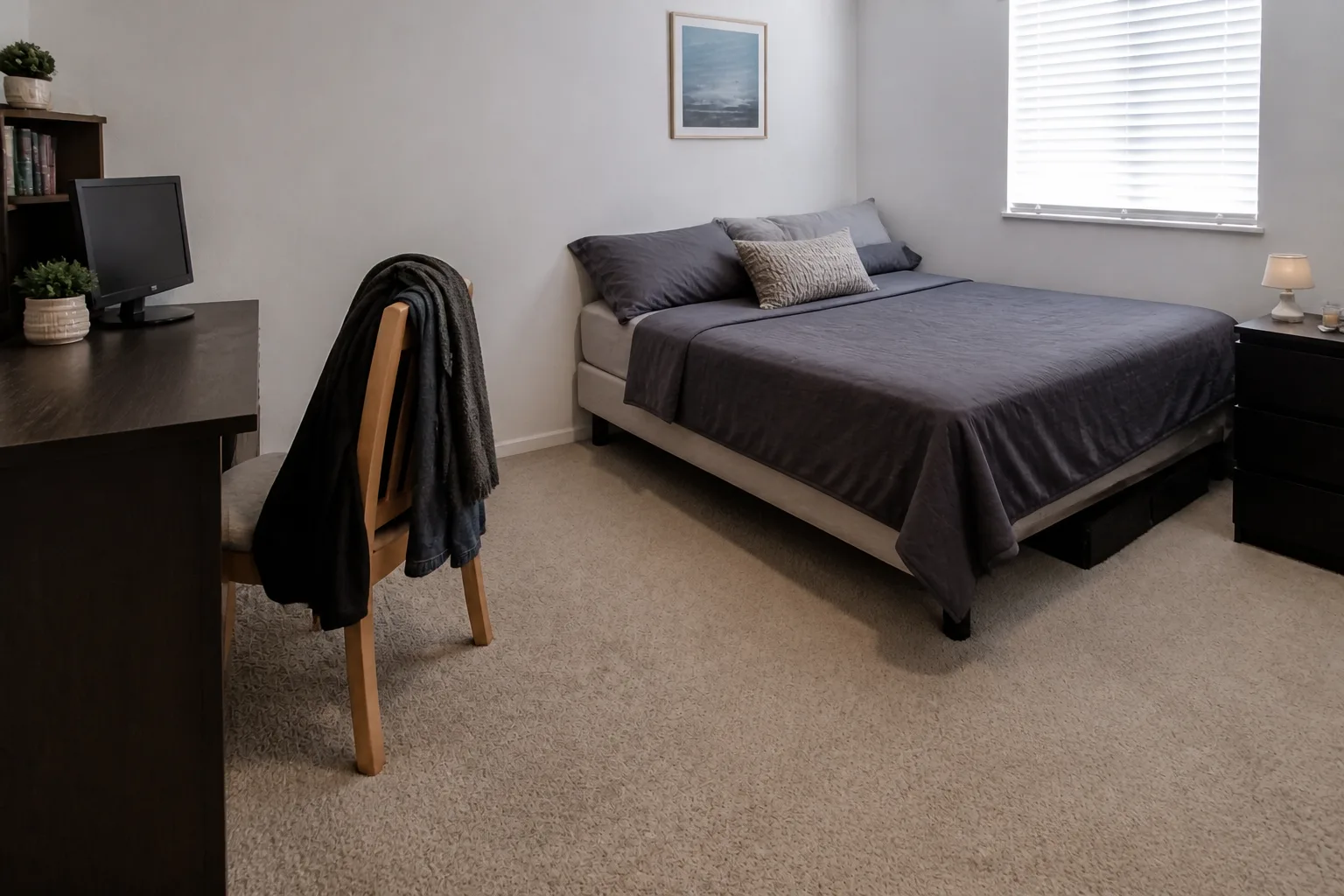 BeforeAfter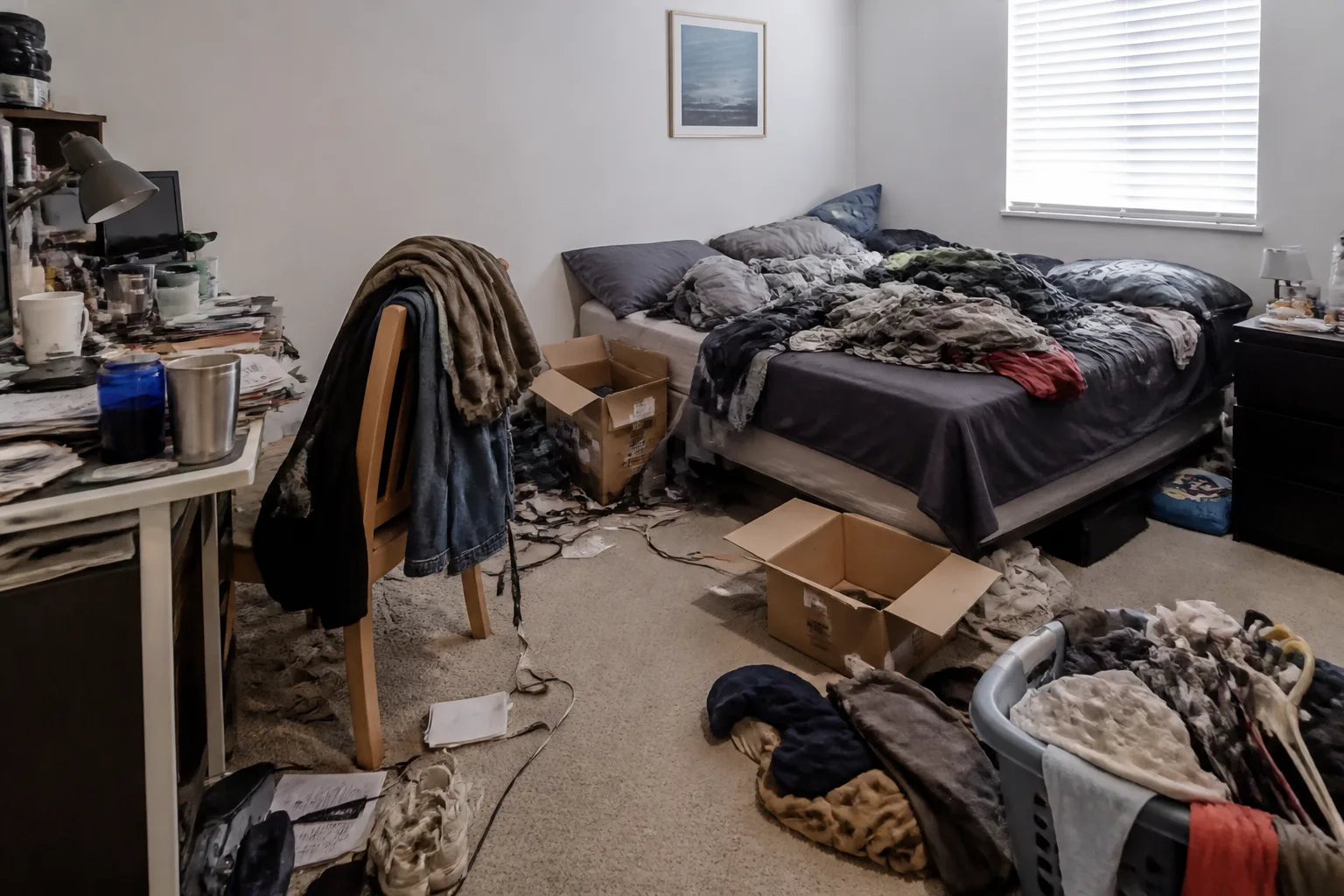
What it does
It is impossible to evaluate a room you cannot see, and clutter is camouflage: under the laundry and the cardboard there might be a perfectly good room, or a genuinely bad one, and nobody can tell which. This renders the cleared version so the actual design question emerges. It is also, not incidentally, the most motivating image in the catalog — the after-photo of a weekend that has not happened yet.
How to use it
- 1Photograph honestly — the mess is data.
- 2Choose the depth: loose items, everything portable, or bare surfaces.
- 3Run it and meet the room again.
- 4Chain the cleared photo into a makeover if the bones turn out good.
Questions
- Does it rearrange or replace furniture?
- No — furniture, layout and finishes hold still. It removes the portable chaos layer only, and rebuilds the surfaces underneath it.
- Which depth should I pick?
- Loose-clutter for realism, surfaces for a listing, everything for finding out what the room even is. They answer different questions.