Recolor the Cabinets
The painted-kitchen question, answered in one render.
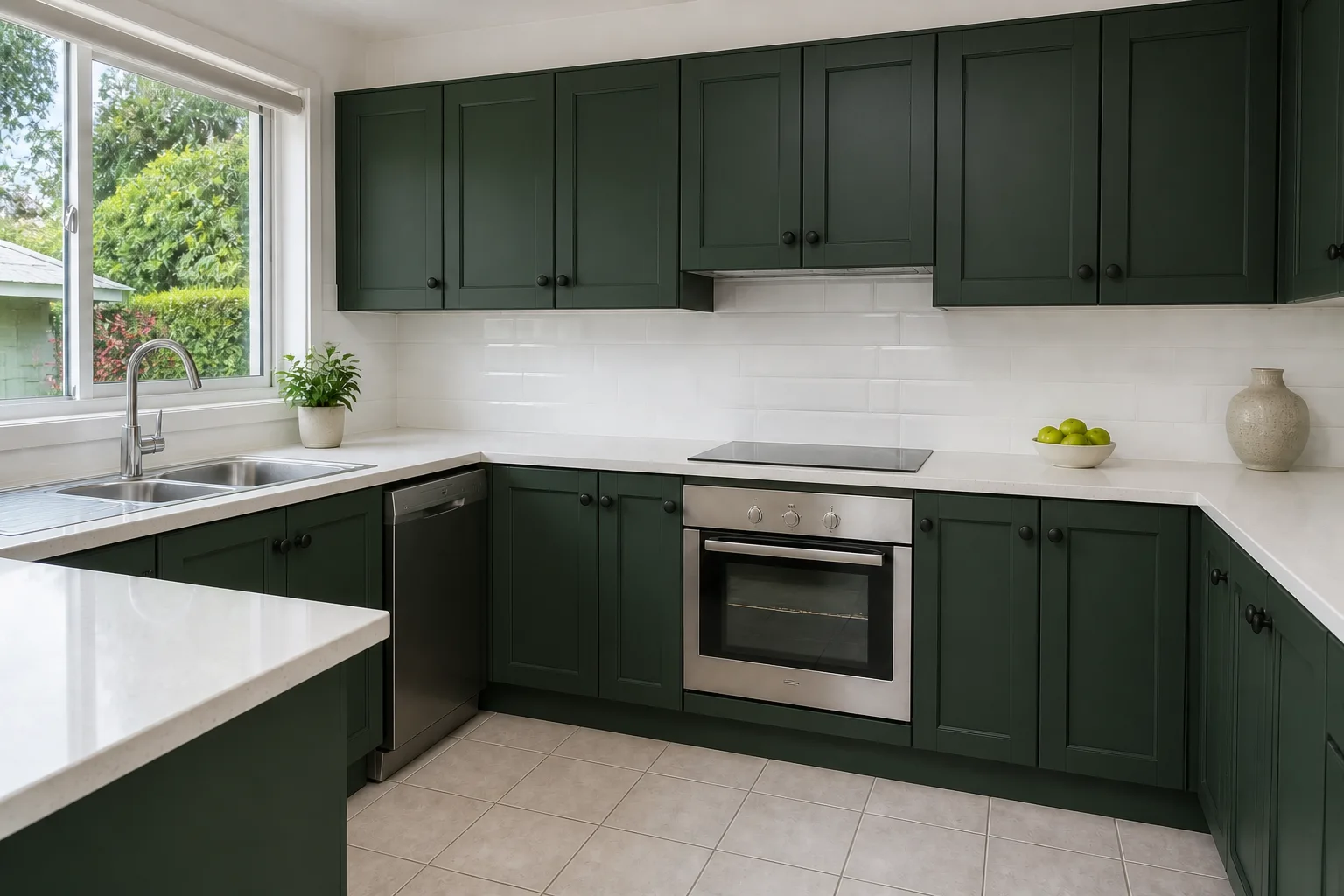 BeforeAfter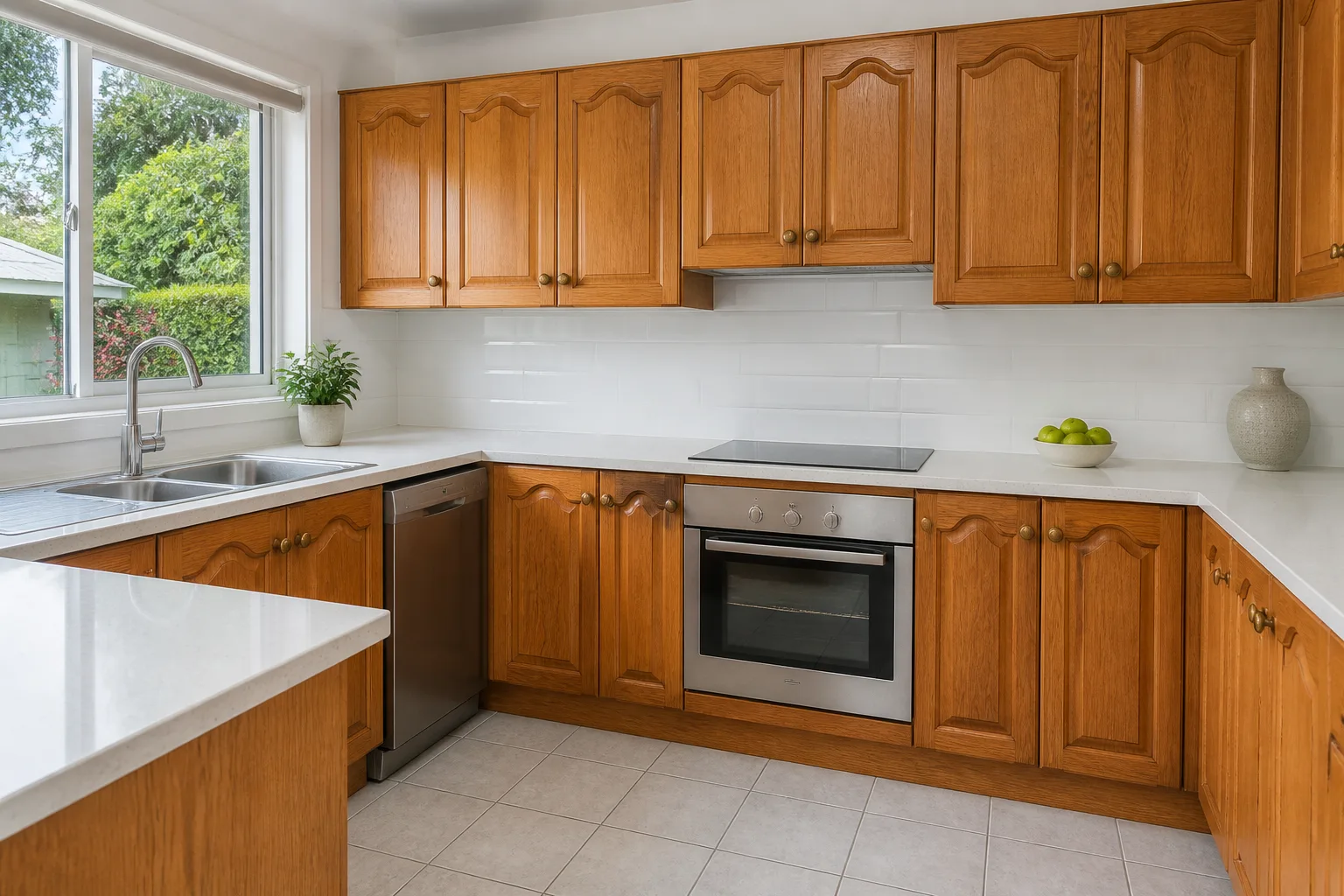
What it does
Painting the cabinets is the highest-leverage kitchen change that does not involve a skip, and the internet is full of other people’s versions of it. This renders yours: your kitchen’s layout and light with the fronts in the colour you are debating, the door style adjusted if you want to see it, and the handles swapped — the three variables of the painted-kitchen decision, isolated from everything you are not changing.
How to use it
- 1Photograph the kitchen face-on to the main cabinet run.
- 2Name the colour; set door style and handles if they might change too.
- 3Run the shortlist of colours.
- 4Check the colour against your worktop and floor in the render — the pairing is the decision.
Questions
- Uppers one colour, lowers another?
- Describe it in the colour field: "navy below, off-white above". Two-tone reads clearly in the result.
- Does the counter change with it?
- No — counters, splashback and appliances hold. That isolation is what makes the colour comparison fair. To change the pair together, use Kitchen Design.