Kitchen Design
New kitchen, same walls.
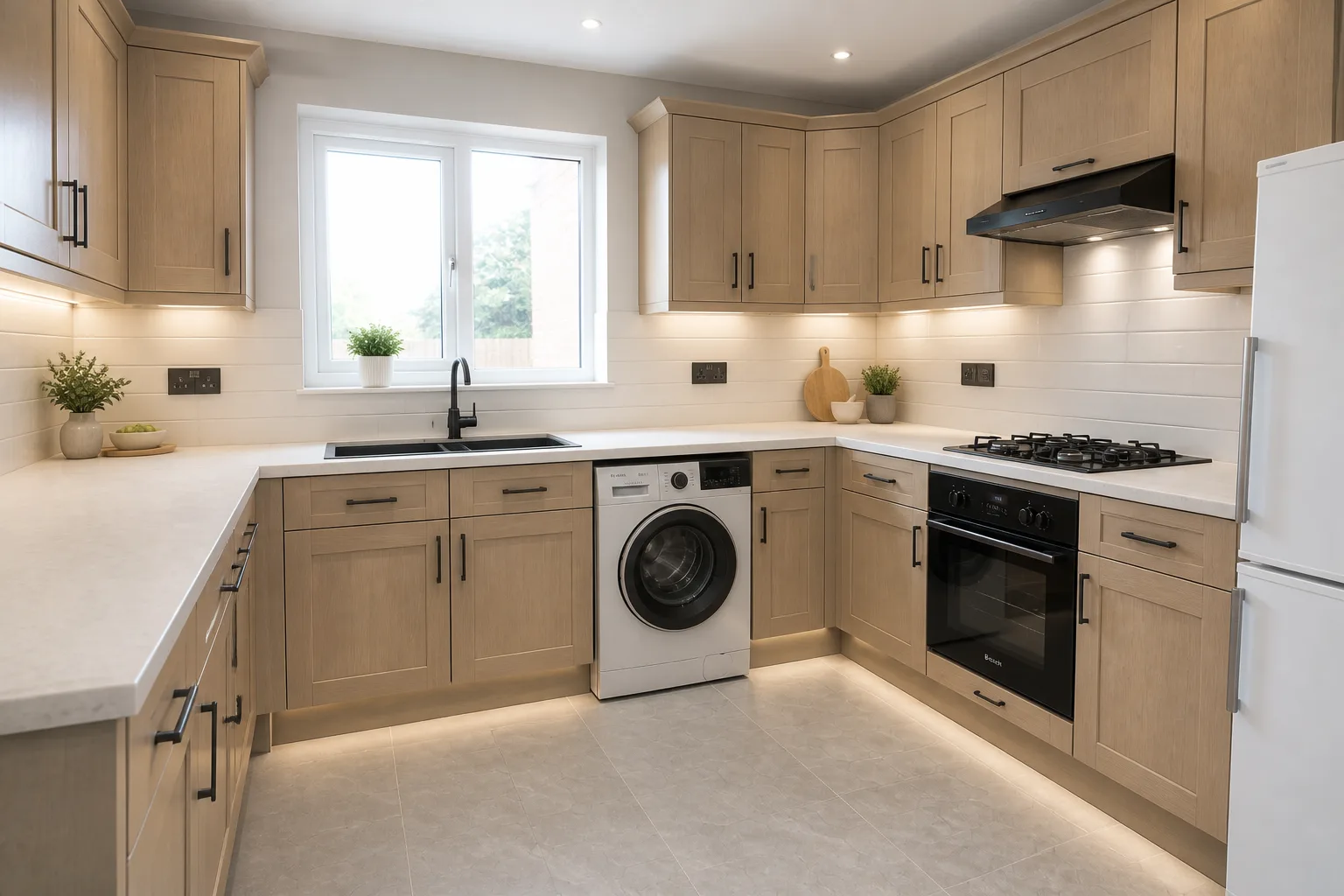 BeforeAfter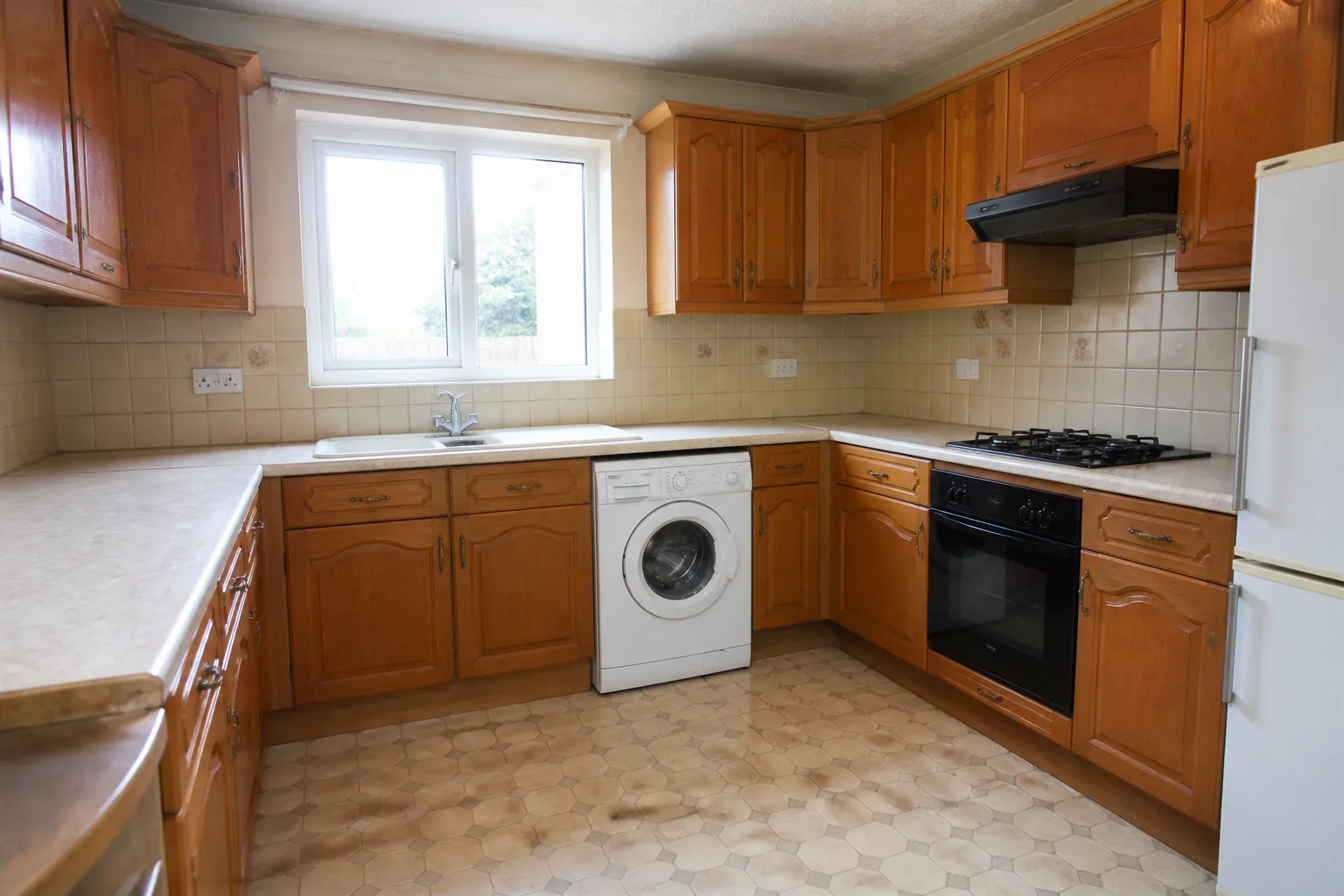
What it does
Kitchens are the hardest room to imagine differently, because every surface is fitted and the eye cannot un-fit them. This tool does the un-fitting: the same room, same window over the sink, same door to the hall — refitted as one designed scheme rather than a decade of accumulated decisions. Use the depth control to separate the questions: fronts-and-finishes answers "what if I just painted the cabinets?", the full option answers "what if we did it properly?"
How to use it
- 1Photograph the kitchen from the doorway, worktops honest.
- 2Choose a look, and how deep the change should go.
- 3Note anything staying — appliances, a tiled floor you love.
- 4Compare two or three looks before pricing anything real.
Questions
- Does the sink stay under the window?
- Yes — plumbing positions, window and door openings and the room's footprint hold. The design changes what things look like, not where the services run.
- Can it show just painted cabinets?
- That is Recolor the Cabinets — the single-surface version. This tool redesigns the kitchen as a whole; the single-surface tools change one thing and hold the rest.