Brighten a Room
The room as it feels, not as the phone metered it.
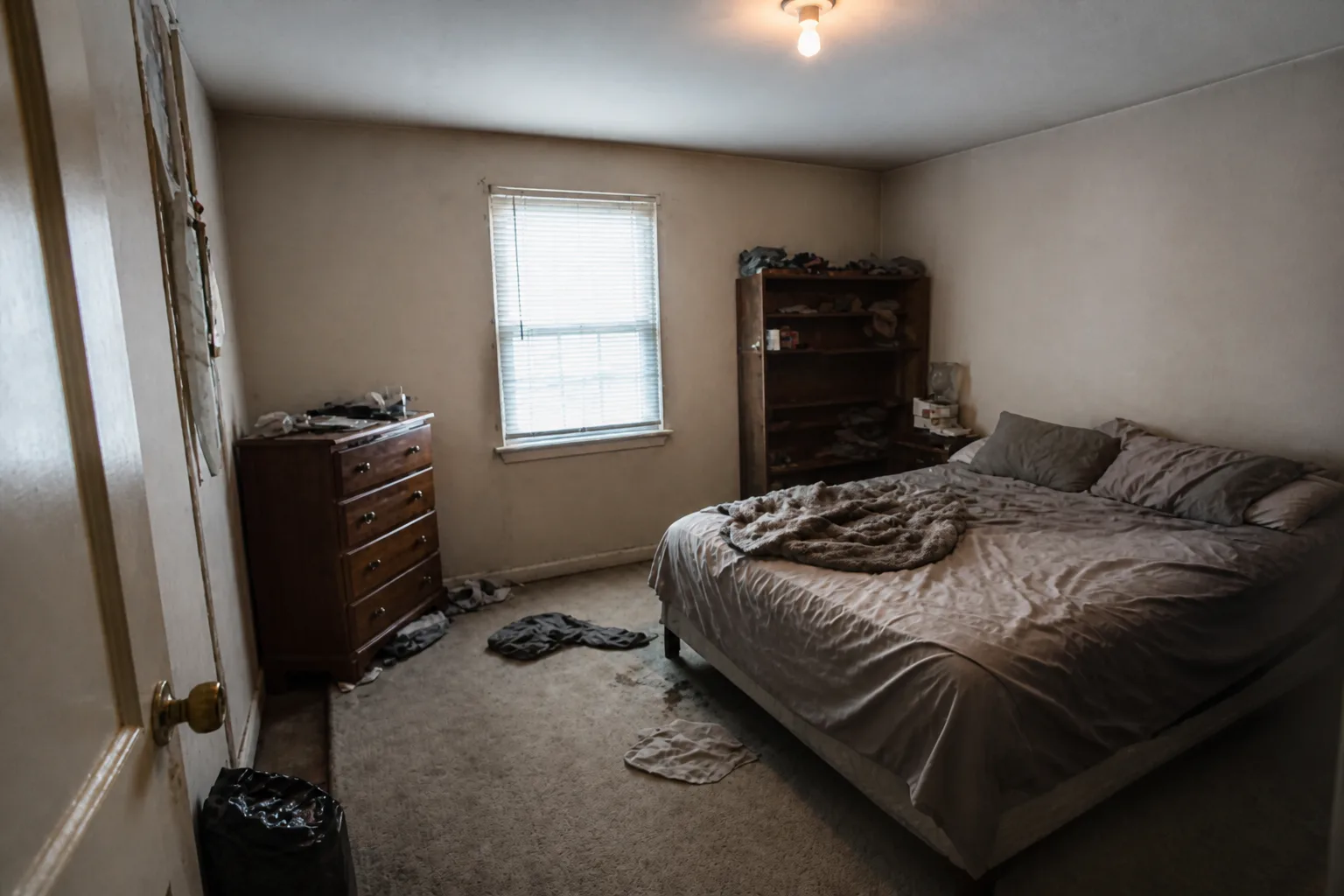 BeforeAfter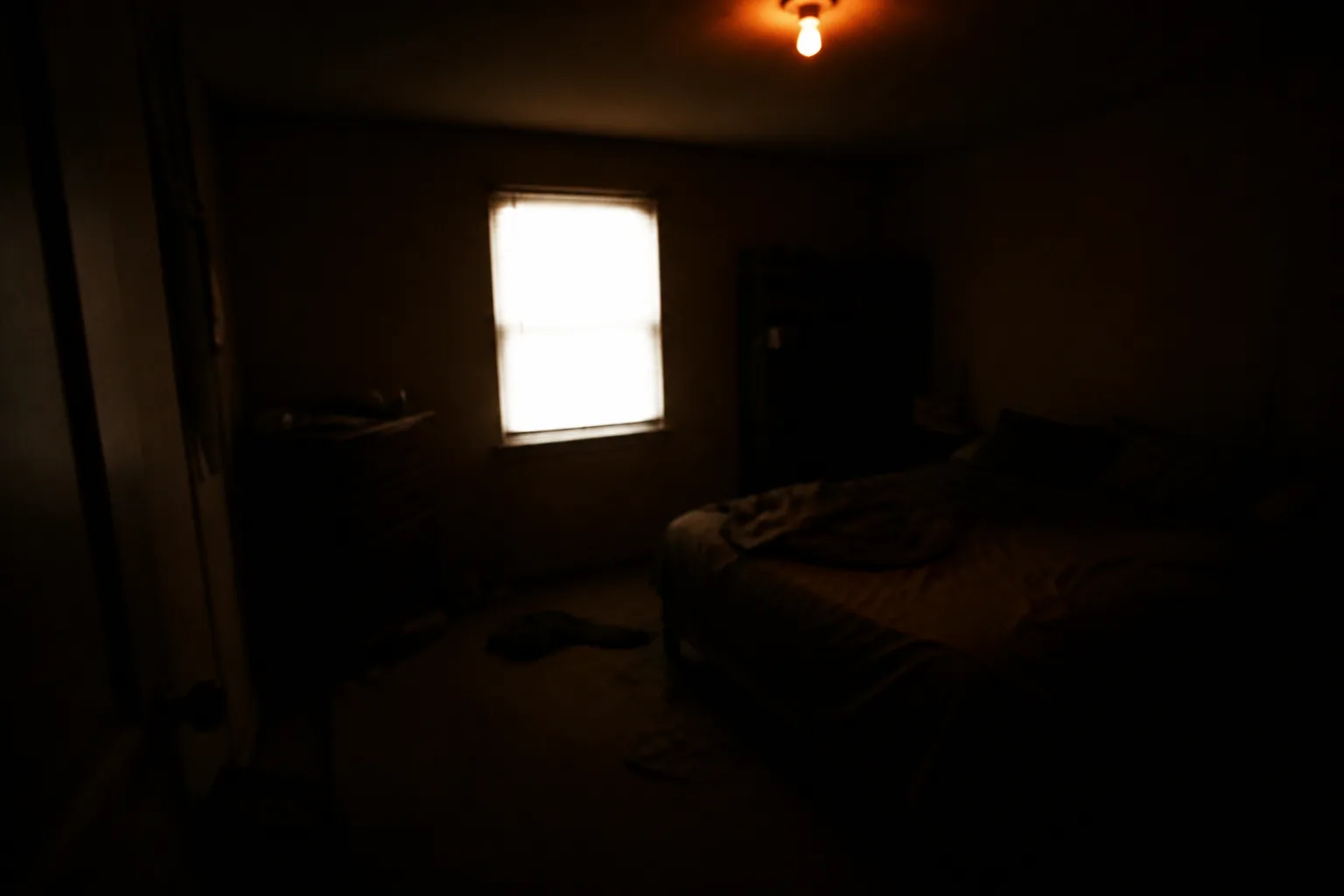
What it does
Phone cameras panic in rooms: the window becomes a white rectangle, the corners go to mud, and a mixed bulb temperature turns half the room orange. This repairs the photograph — not the room — bringing the exposure, shadows and colour back to what standing there actually felt like. Use it on the photos you are about to design from (better input, better renders), the ones you are sharing, and the ones that deserve better than the metering they got.
How to use it
- 1Upload the underwhelming photo.
- 2Choose the direction: daylight, warm, or simply even.
- 3Run it; compare with the original at full size.
Questions
- Is this changing the room or the photo?
- The photo. Furniture, finishes and condition stay exactly as they are — it is exposure, shadow and white-balance repair, not redecoration.
- Should I run it before other tools?
- If the source photo is murky, yes — every design tool reads the room better from a clean, balanced image.