Upscale a Design
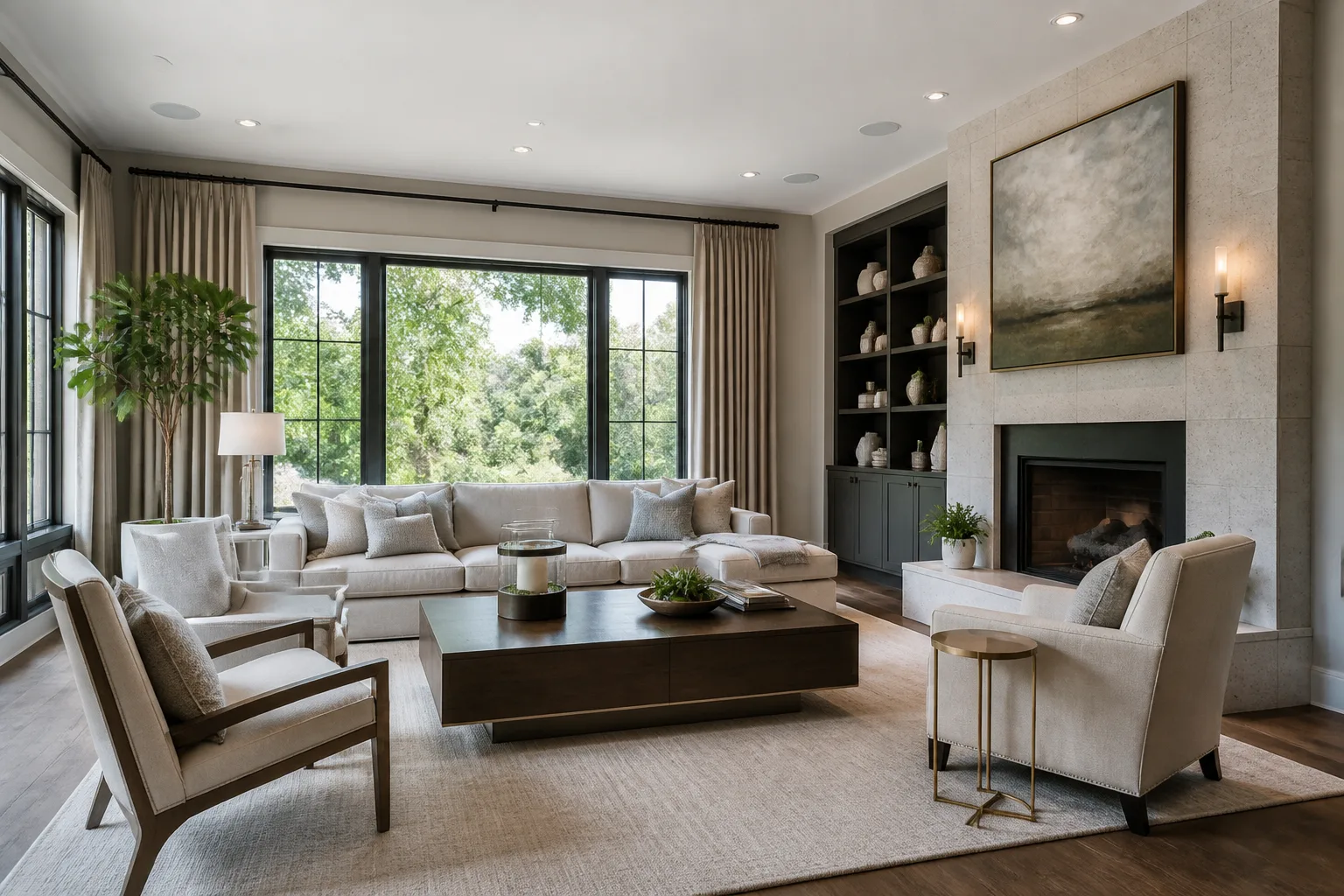
The chosen render, at print size.
What it does
Renders come out at a working size — the tiers buy fidelity, not pixels — so printing, framing or full-screen presenting needs this second step. It rebuilds the chosen design at the target size with detail added consistently, rather than stretching what exists. The economics are simple: upscale the decision, not the drafts. One design at 16 MP beats five drafts at 8.
How to use it
- 1Settle on the design first.
- 2Choose the target — 16 MP covers framing and most print.
- 3Run and download the big file.
Questions
- Why not render big in the first place?
- Output size is pinned to keep every run cheap — that is what makes trying six ideas affordable. Enlarging the winner afterwards is the deliberate design of the pricing.
- Does it change the design at all?
- No redesign — detail is added in keeping with what is already there. The room you chose is the room you print.