Add a Piece
One new thing, into the room, to scale.
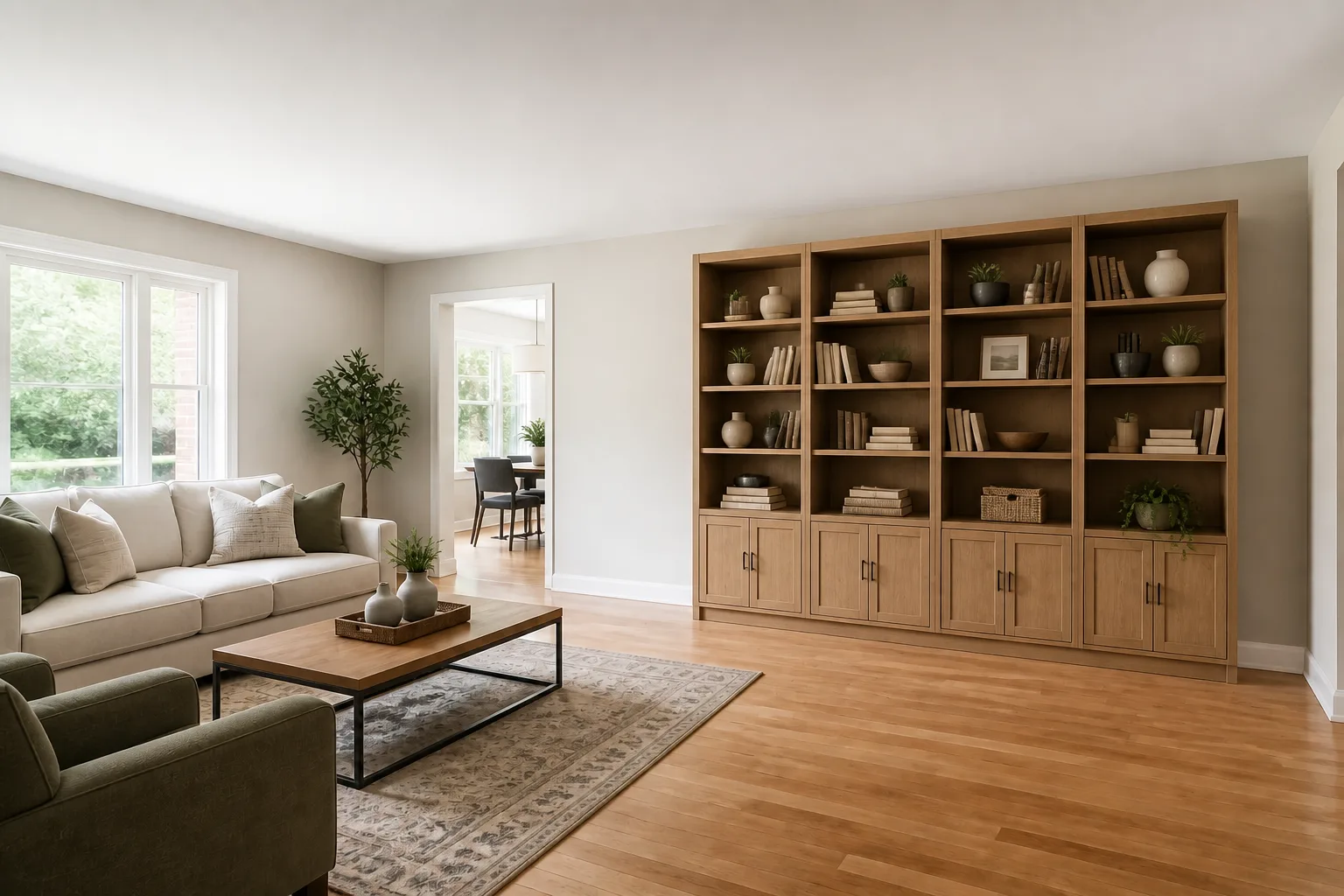 BeforeAfter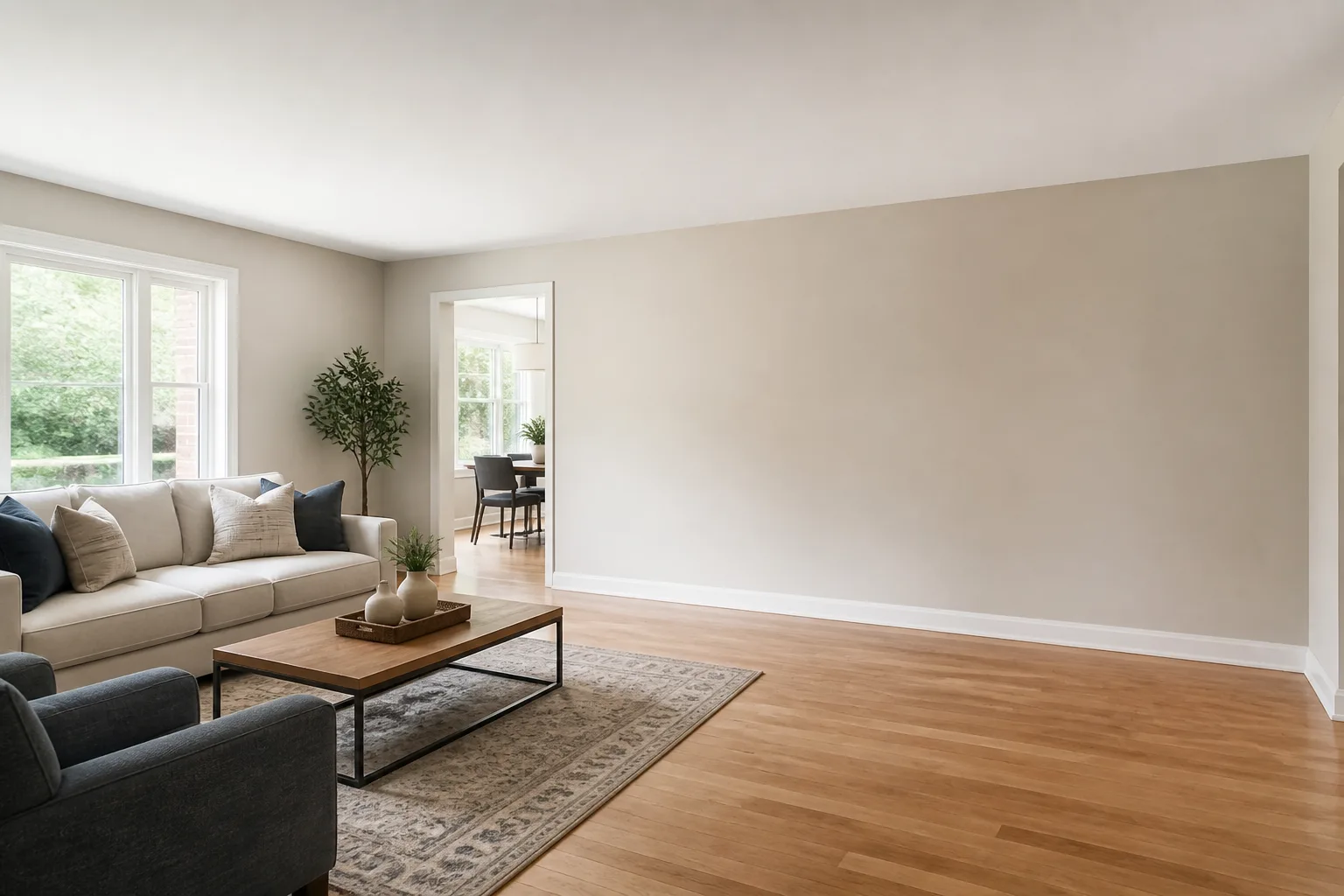
What it does
Furniture regret is a scale problem — the piece that looked right in the showroom arrives and is suddenly enormous, or vanishes against the wall it was meant to command. This tool auditions the piece in the room first: described in words, or photographed in the shop with the listing image, and placed where you are imagining it, at the size the room’s own perspective dictates. One run per candidate, and the shortlist earns its delivery slot honestly.
How to use it
- 1Upload your room.
- 2Describe the piece — or switch to a photo of it for an exact audition.
- 3Say where it should stand.
- 4Run the candidates and let the room reject the wrong ones.
Questions
- Description or photo — which works better?
- A photo, when you have one: it carries the exact design, colour and proportions of the real product. Descriptions are perfect for the "something like a..." stage.
- Does the rest of the room change?
- No — one piece arrives, everything else holds. If the new piece should displace something, remove that first with Remove Anything and chain.