Try Furniture in Your Room
The listing photo, standing in your room.
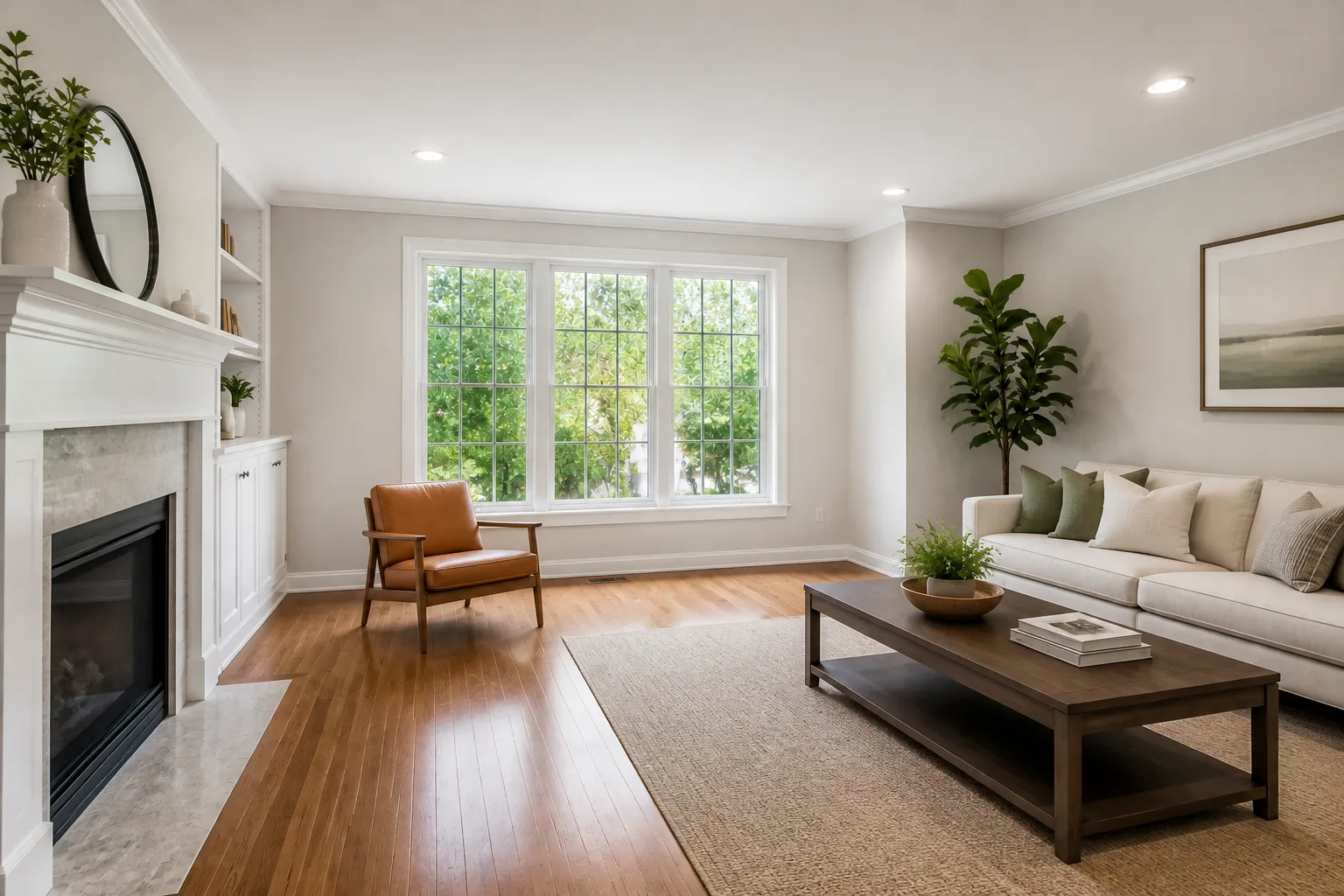 BeforeAfter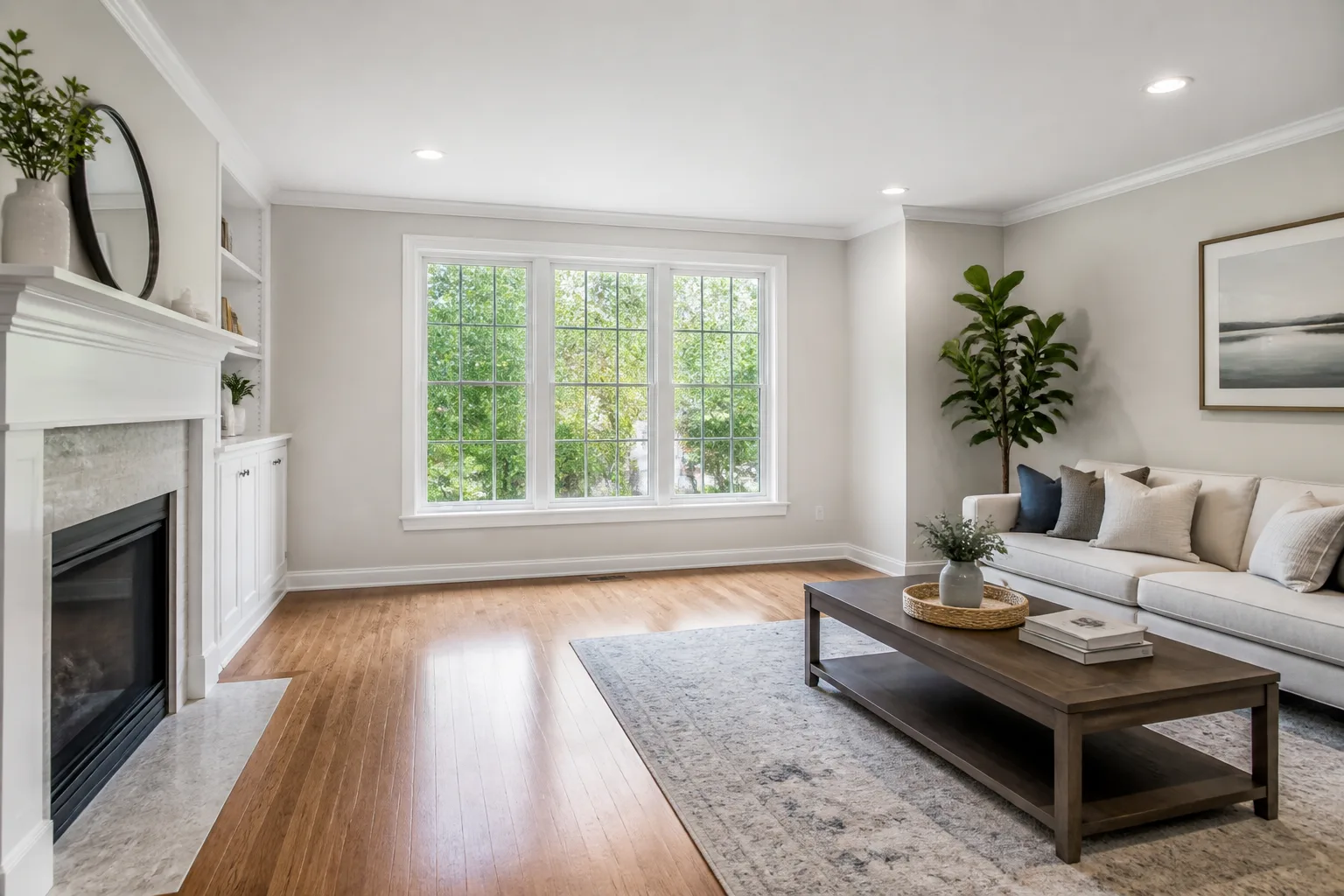
What it does
Between the shop tab and the checkout there is a missing image: this sofa, in this room, from this doorway. This tool renders it. The first photo is your room; the second is the product shot from the listing; the output is the two introduced — exact design and colour preserved, scaled by the room’s own perspective, lit by the room’s own window. It is the try-before-you-buy the internet forgot to build into shopping.
How to use it
- 1Your room photo goes in first.
- 2Add the product image — listing photos on white work perfectly.
- 3Say where it should stand.
- 4Screenshot the verdict into the household chat.
Questions
- How faithful is the product?
- The image supplies the truth: design, colour and materials carry over, and only the scale adapts to your room. A clean product shot gives the cleanest result.
- Can it replace my current sofa in the same run?
- Remove the incumbent first with Remove Anything, then place the candidate into the cleared spot — two runs, both checkable.