Design with Words
Say the change; watch it land on your photo.
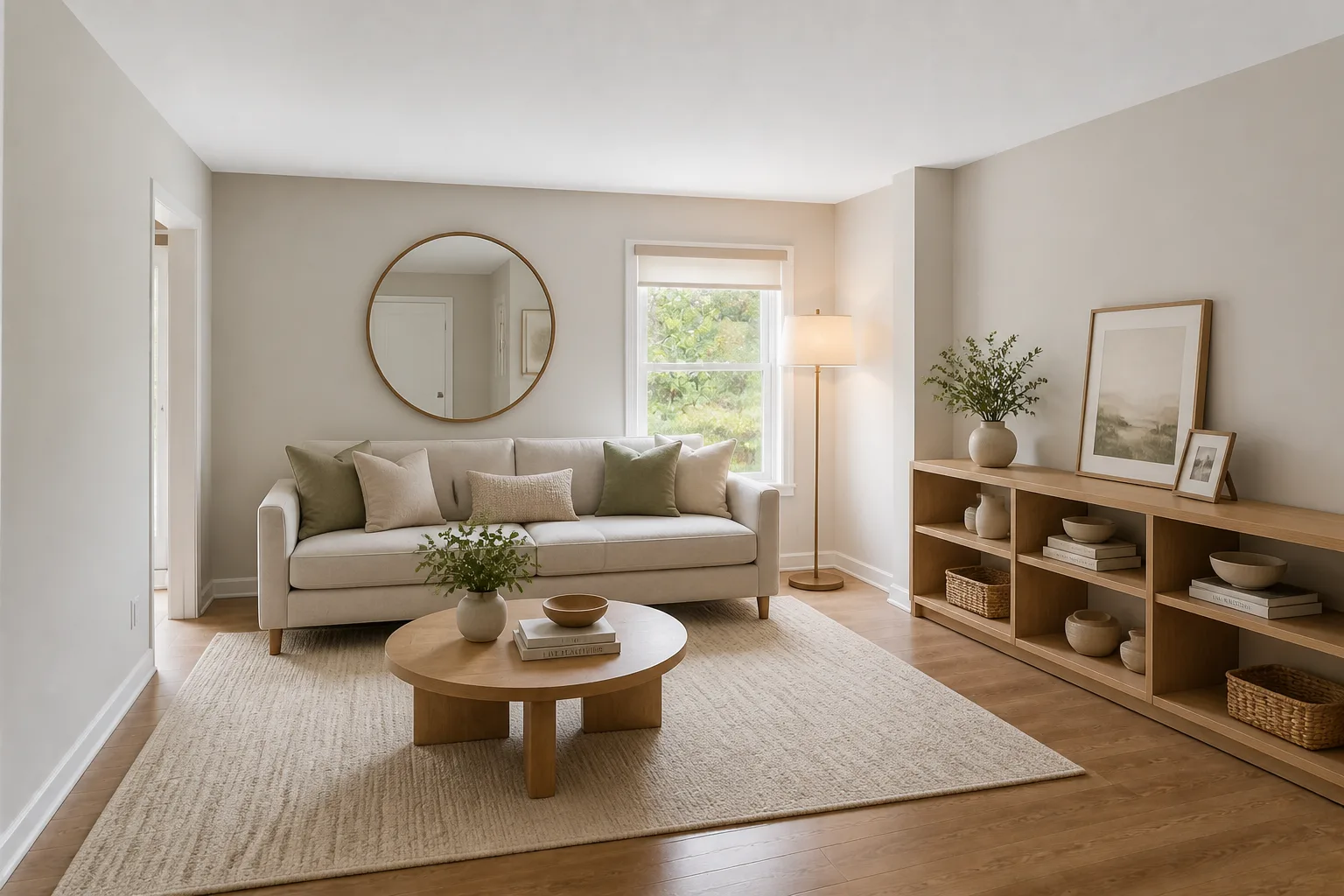 BeforeAfter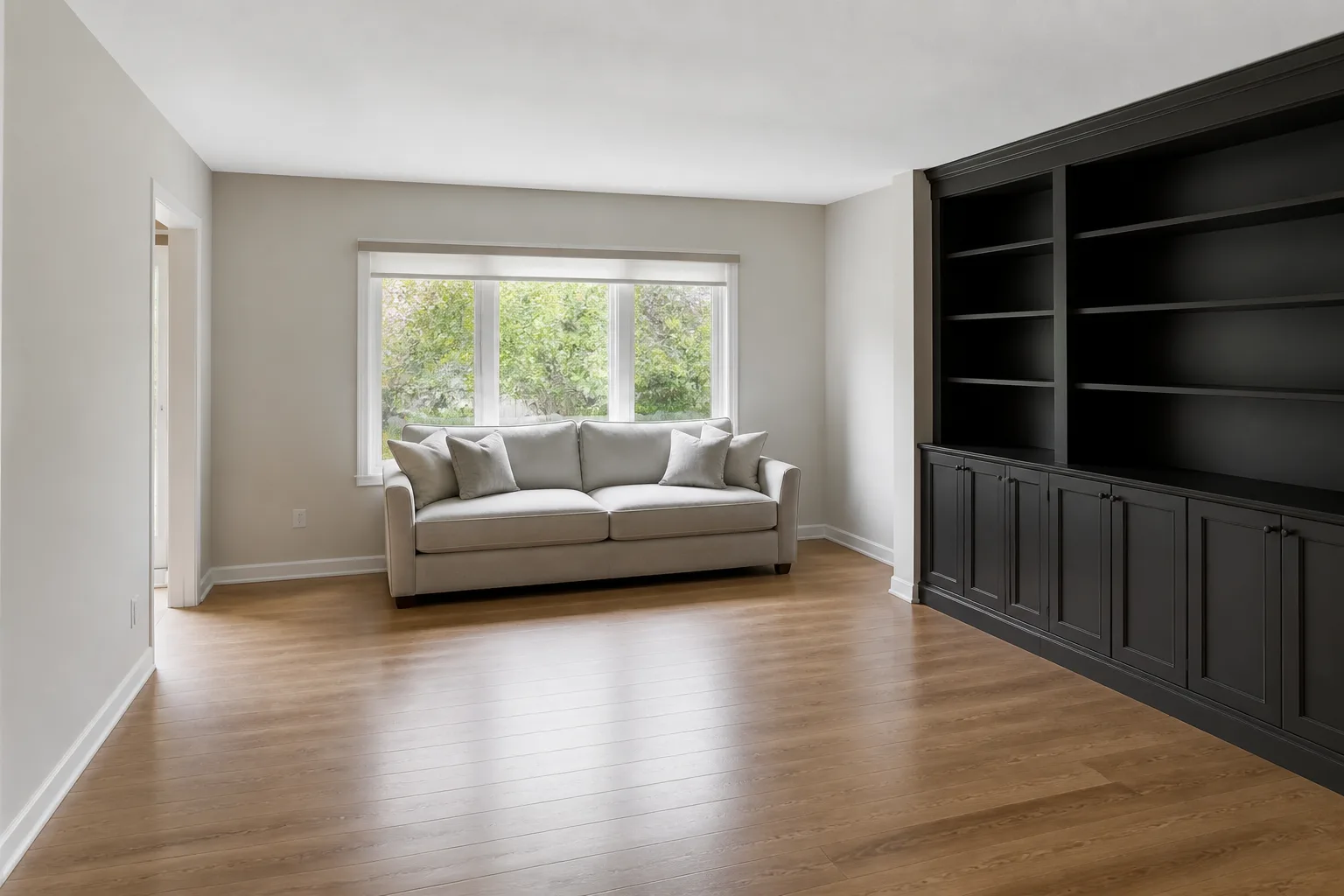
What it does
The rest of the catalog is presets; this is the pencil. It exists for the changes that are specific to your room and nobody else's — the alcove that wants shelves, the bed you want on the other wall, the curtains you want floor-length. Talk to it the way you would brief a friend with a ladder: concrete nouns, plain verbs, one or two sentences. It follows what you name and leaves the rest of the photo alone.
How to use it
- 1Upload the room as it stands — mess and all.
- 2Write one or two sentences naming exactly what changes.
- 3Run it, then click the result and chain the next instruction on top.
- 4Keep each step small; five small edits beat one paragraph-long wish.
Questions
- What kind of instruction works best?
- Named things with named treatments: "paint the alcoves dark green", "replace the ceiling light with three paper pendants". The model is a literalist — give it nouns.
- Can I do several changes at once?
- You can, but chaining works better: one change per run, each result feeding the next. Every step stays checkable, and a wrong turn only costs one run.
- Something changed that I never mentioned — why?
- Instructions are followed; silence is interpreted. If a corner must not move, say so: "everything else stays as it is" at the end of the sentence anchors the rest of the room.