The listing photo is the product. Kit the room for the photo and the tenancy both.
A rental gets furnished once and photographed forever, so the furnishing decision is really a marketing decision with a durability clause. Preview hard-wearing, photogenic setups on the actual rooms — and re-preview between tenancies, when a day of paint and one furniture swap can move a listing up its search page.
Open the Studio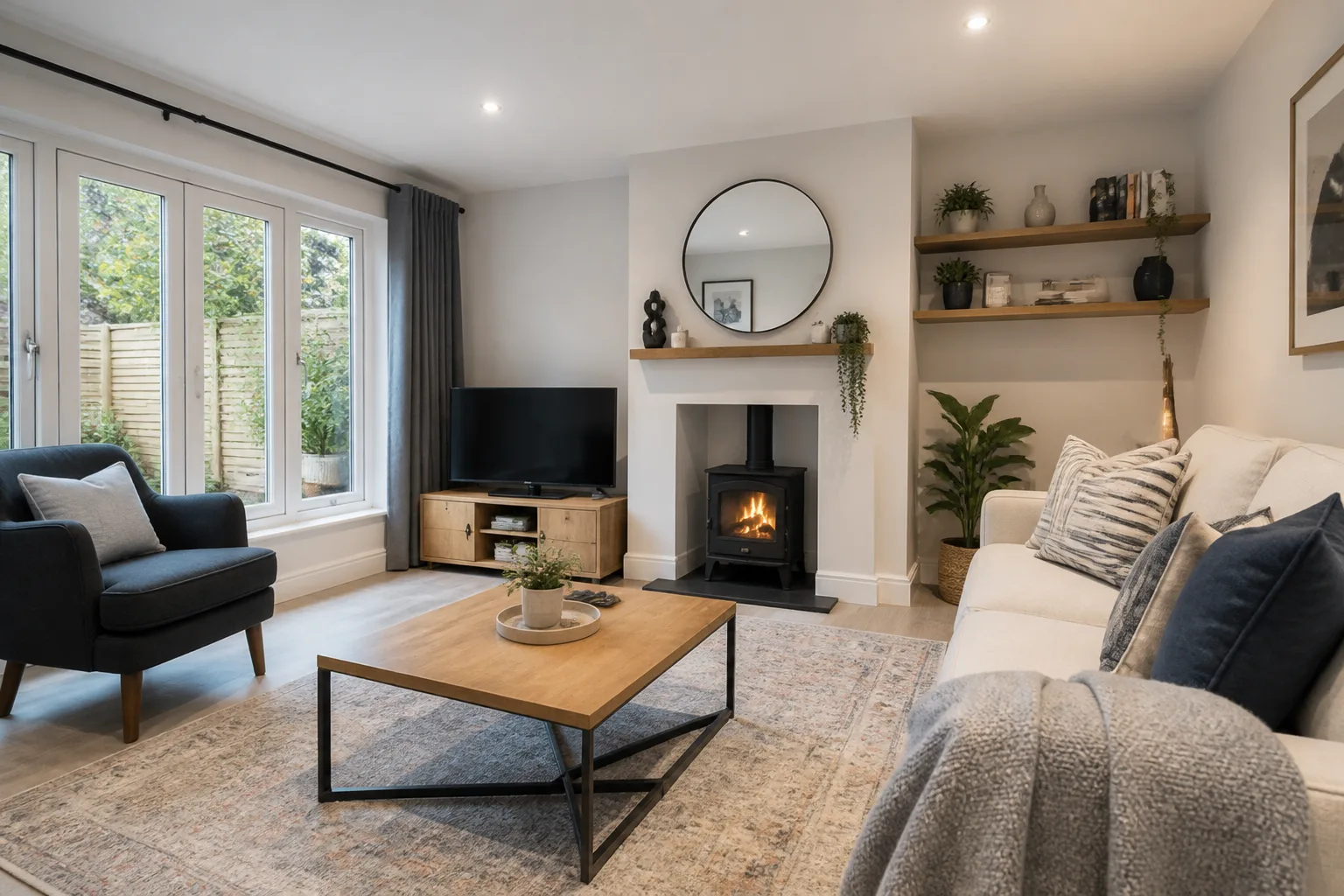
What usually goes wrong
- Furnishing a unit blind, then discovering the sofa fights the room in every photo
- The between-tenancy window too short for redesign by trial and error
- One tired room dating an otherwise solid listing
- Void-period decisions made without seeing what the money changes
The workflow
- 1Empty a RoomStart from the cleared room to judge what the unit actually offers.
- 2Furnish a Bare RoomPreview the rental-ready setup: hard-wearing, photogenic, uncluttered.
- 3Paint Color Try-OnTest the repaint that neutralises the room without deadening it.
- 4Photo CleanupFinish the listing frames properly before they go live.
Questions
- Can it help choose between furnished and unfurnished?
- Render both versions of the same room and compare the stories they tell. The furnished render also doubles as the shopping list if you go that way.
- What about wear-and-tear refresh decisions?
- Photograph the tired room and preview the one-day fixes — paint, flooring, one anchor piece. Seeing which change moves the room most is exactly the between-tenancy question.
Rooms that come up most
Challenges that tend to apply