House Exterior Design
The front of the house, redesigned from the kerb.
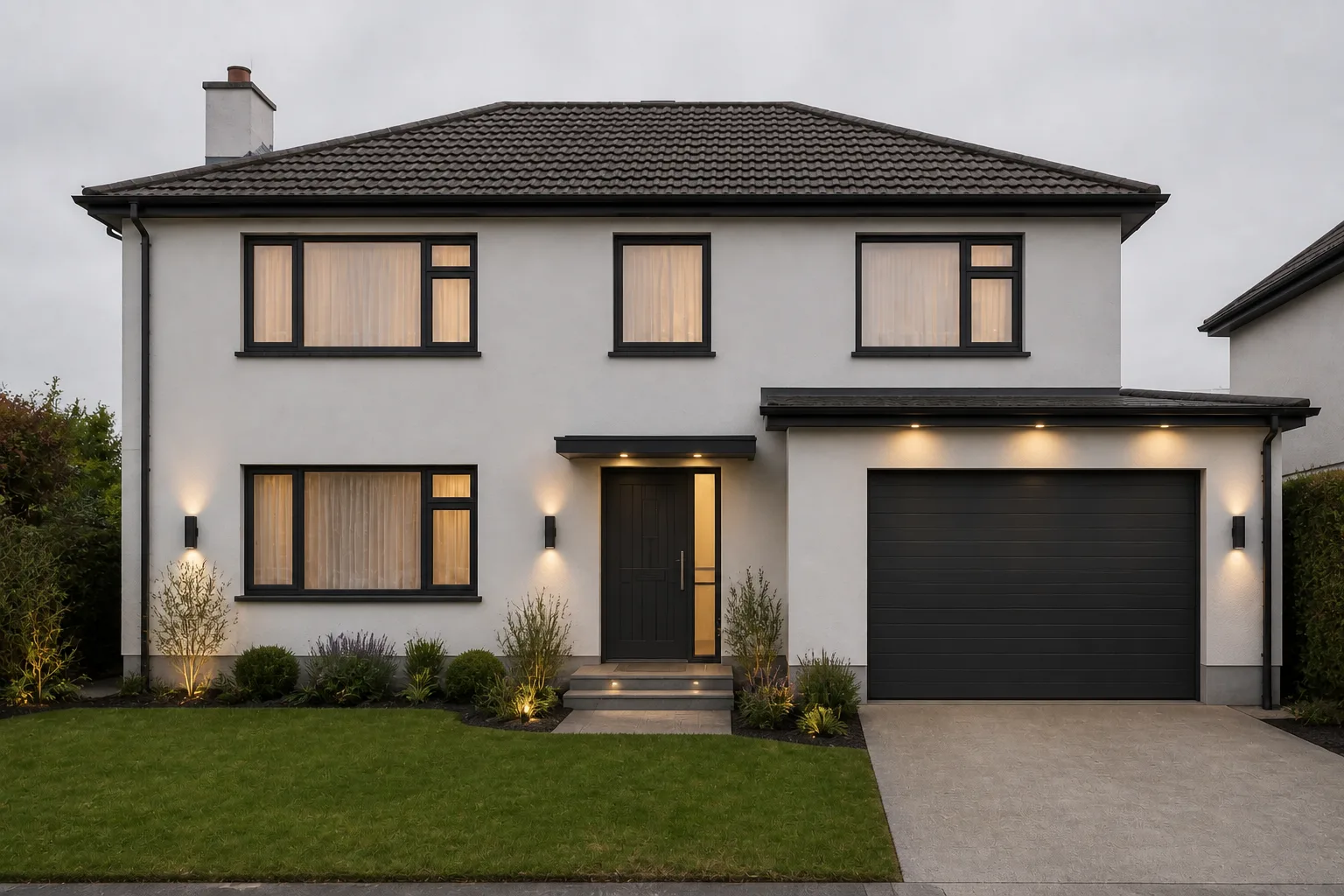 BeforeAfter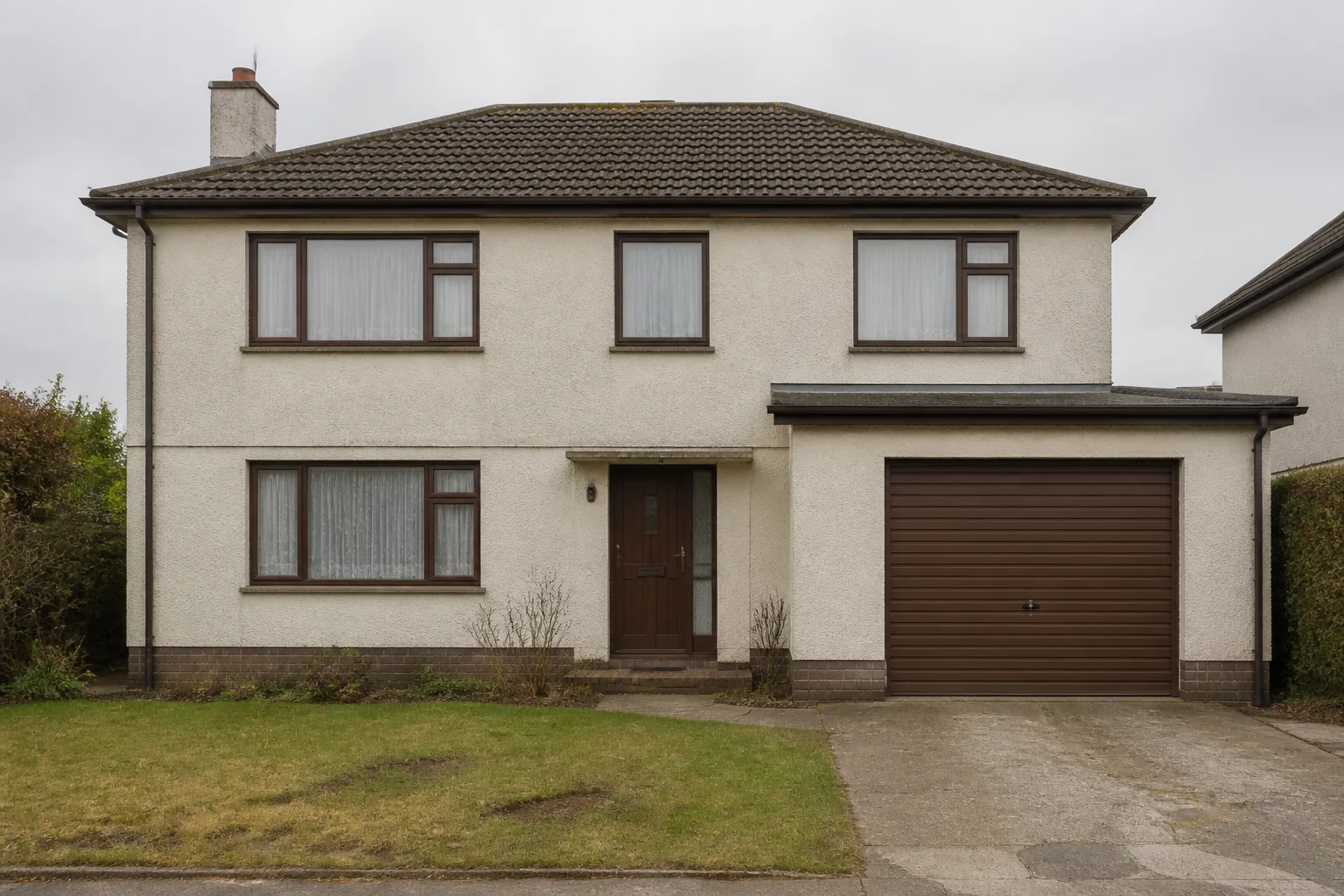
What it does
The rooms in this app usually stop at the window; this tool turns around and looks back at the house. It works like the interior makeovers — the building’s massing, roof shape and openings are locked, and the changeable layer (colour, cladding, door, trim, lighting, the planting at the entrance) is redesigned as one composition. Run it before a repaint, before a front-door decision, or whenever the house has started looking like its own "before" photo.
How to use it
- 1Photograph from across the street, whole facade in frame.
- 2Pick a look and where the emphasis goes.
- 3Note what is off-limits — original brick, a door you love.
- 4Compare two directions before a ladder is ever involved.
Questions
- Will it change the shape of the house?
- No — footprint, roofline and window positions are held. It redesigns the surfaces and details, which is the scope of a repaint-and-refresh rather than an extension.
- Can I try just a front door colour?
- Say it in the notes and choose the arrival-view emphasis — or use Design with Words on the exterior photo for a single-change edit.