Inspiration Match
That saved photo, applied to your room.
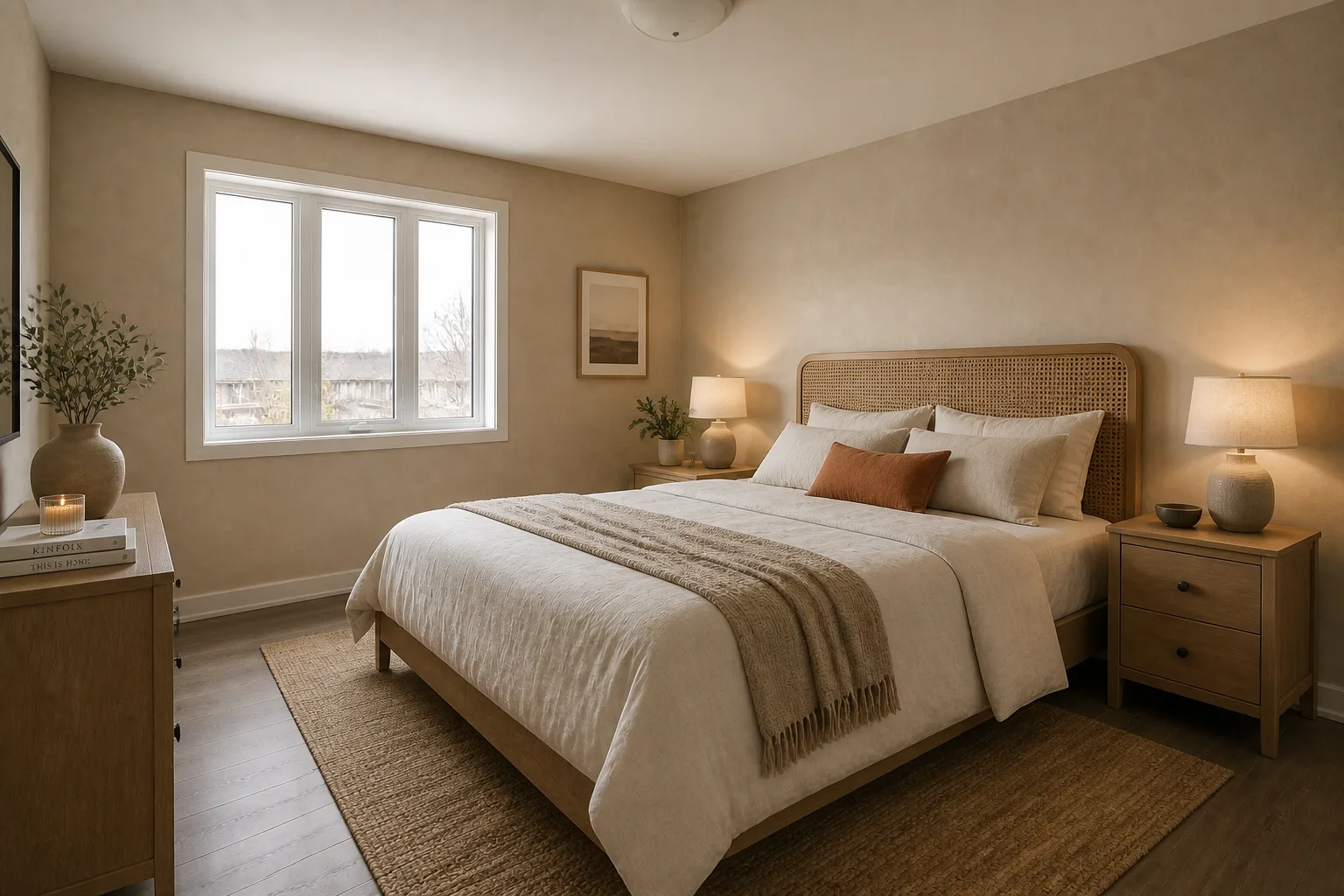 BeforeAfter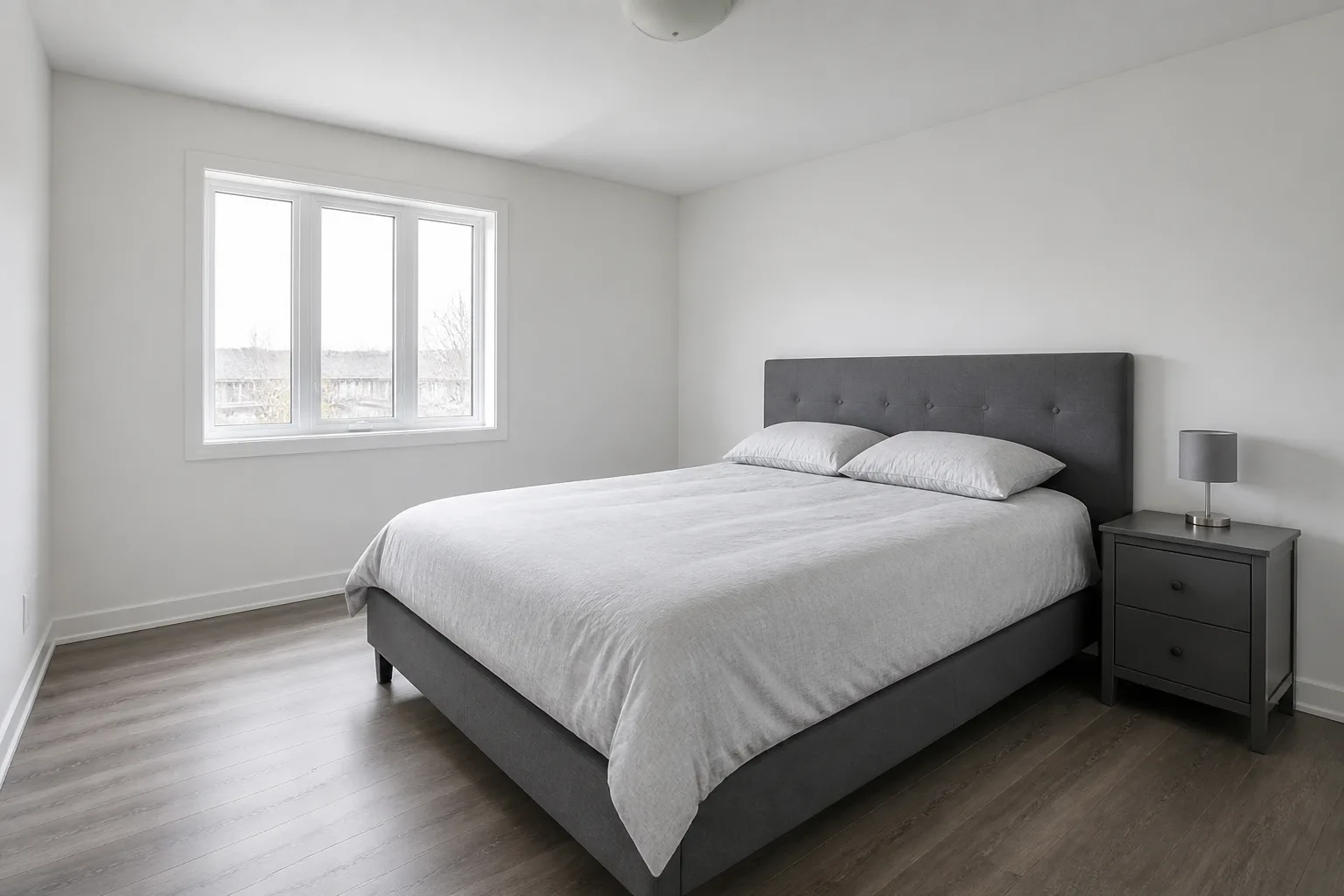
What it does
Everyone has the folder: two hundred saved rooms that are all somehow the same room, in a home that looks nothing like any of them. This tool closes that gap. The first image is your actual room and contributes the architecture; the second is the saved photo and contributes everything else — palette, materials, furniture language, the quality of the light. What you get back is the answer to the only question the folder ever raised: what would MY room look like, done like THAT?
How to use it
- 1Upload your room first — this one supplies the walls and windows.
- 2Upload the inspiration photo second — this one supplies the look.
- 3Say which room it is, and run.
- 4Chain the result into Design with Words for the last 10% of adjustments.
Questions
- Will it copy the inspiration room's layout?
- No — your photo owns the architecture. The inspiration contributes style only: colours, materials, furniture character, lighting mood.
- What should the inspiration photo be like?
- One with a strong, legible mood. It does not need to be the same room type — a café interior can restyle a study — but the clearer its palette and materials, the cleaner the transfer.