Room Idea Generator
No photo? Generate the room from a sentence.
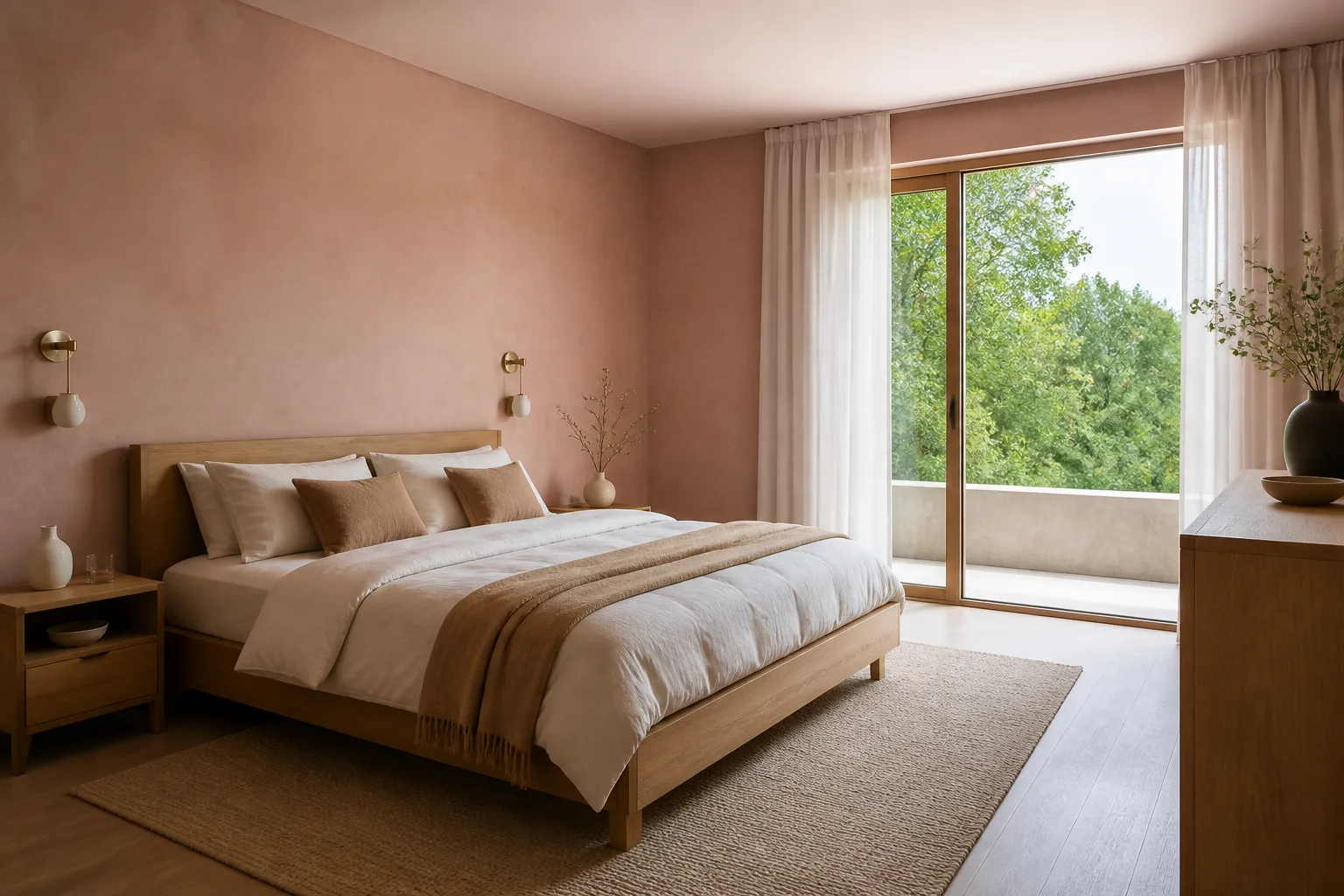
What it does
Everything else here starts from a photograph; this starts from nothing. Use it when the room does not exist yet in any photographable form — a place you viewed once, a loft that is currently insulation and hope, a mood you want to pin down before shopping. Because there is no source image, the output is a reference, not a preview of your actual room; once you have a real photo, feed the two into Inspiration Match and the reference becomes a brief.
How to use it
- 1Pick the room type and a look to anchor the generation.
- 2Describe the bones: window count, where the light comes from, the one feature that matters.
- 3Pick landscape, portrait or square framing.
- 4Save the keepers — they make excellent inspiration inputs later.
Questions
- Will this look like my actual room?
- No — with no photo to anchor to, the model invents a plausible room from your words. Treat it as a directions board. For your real room, photograph it and use Room Makeover.
- What belongs in the description?
- Architecture first, style second: the window situation, the ceiling, the floor, then the mood. "Small, one window left, low ceiling, warm minimal" beats three sentences of adjectives.