Reframe a Photo
The same room in the shape you need it.
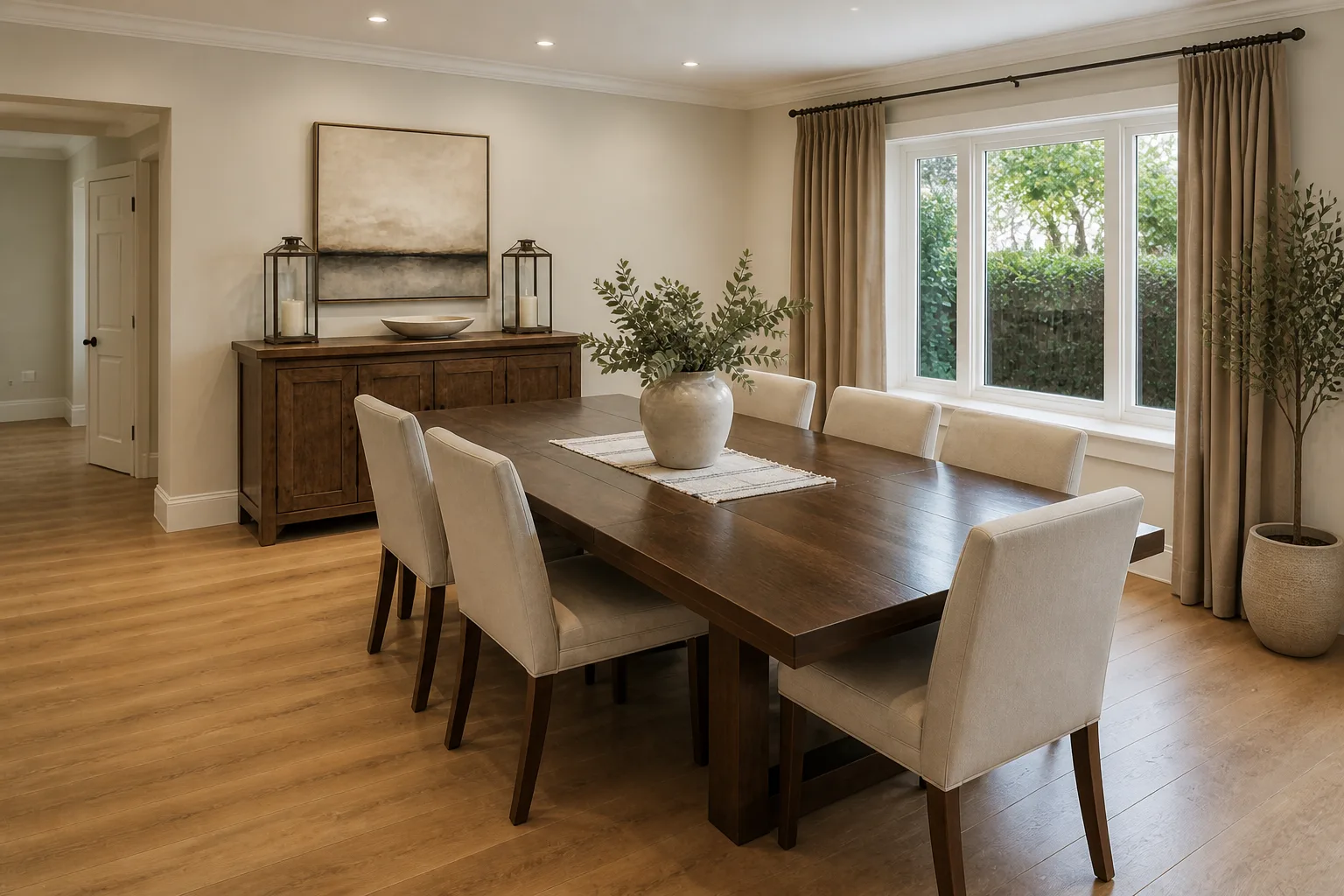 BeforeAfter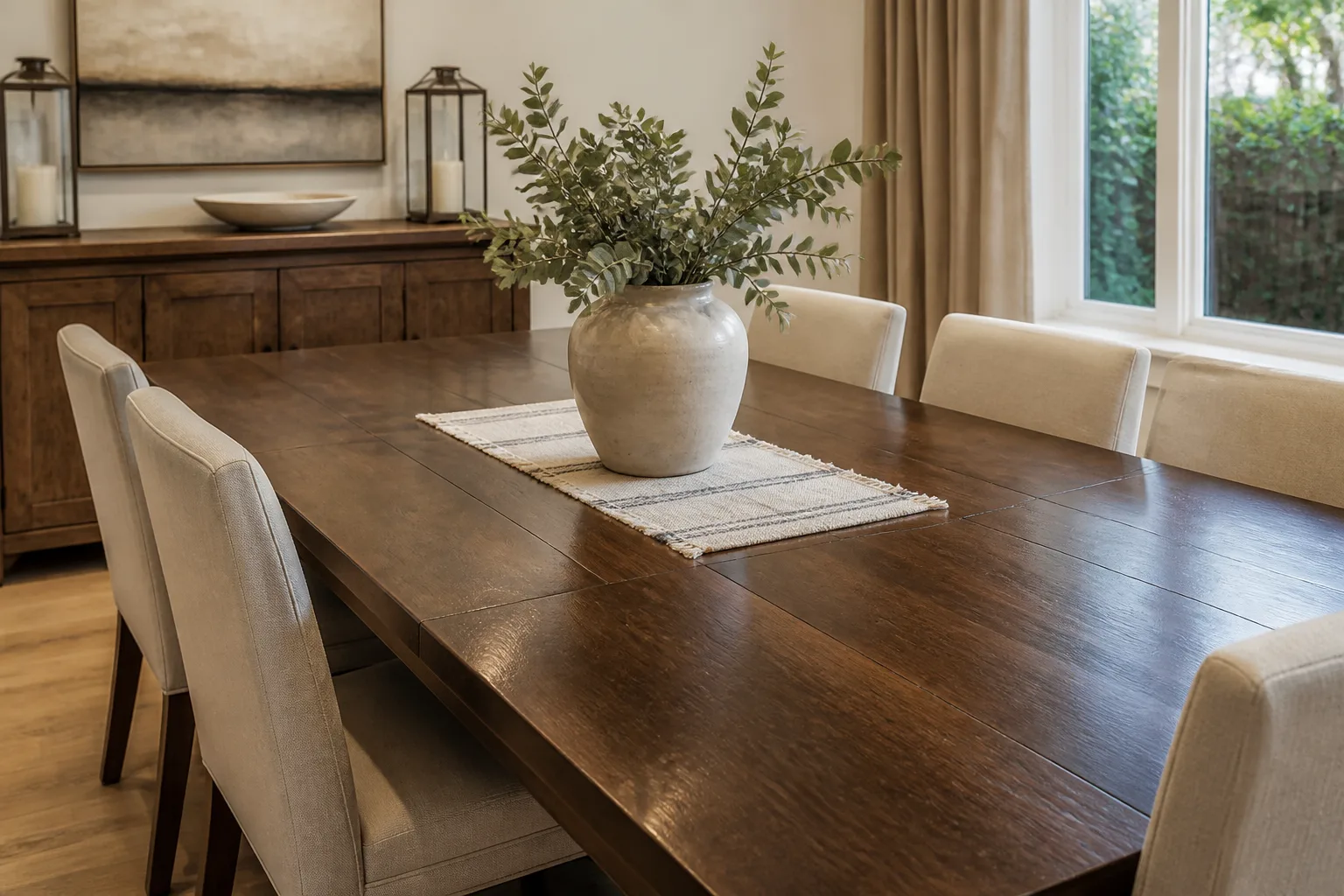
What it does
Every platform demands a different rectangle and the room only ever happened in one of them. Rather than amputate the composition with a crop, this re-frames it: the existing scene extended naturally at the edges where the new shape needs more room, cropped only where it must. The wide render becomes a story, the portrait becomes a header, and the room keeps its proportions and its dignity throughout.
How to use it
- 1Upload the photo or pick a saved design.
- 2Choose the destination shape.
- 3Run it and check the invented edges read naturally.
Questions
- Where do the new edges come from?
- The scene is continued — more of the floor, wall and ceiling that plausibly exist beyond the original frame. The room itself is not redesigned.
- Better to reframe or just crop?
- Crop when the shape change is small. Reframe when cropping would cut into the furniture or lose the sense of the room — the usual story-format problem.