Buyers scroll fast and rooms get one frame each to argue back.
A listing is a stack of room photos competing with every other stack on the portal, and most lose fixable points — clutter, gloom, the personal layer, the empty room nobody can read. The photo tools here professionalise the stack; the staging tools furnish the rooms that need help telling their story.
Open the Studio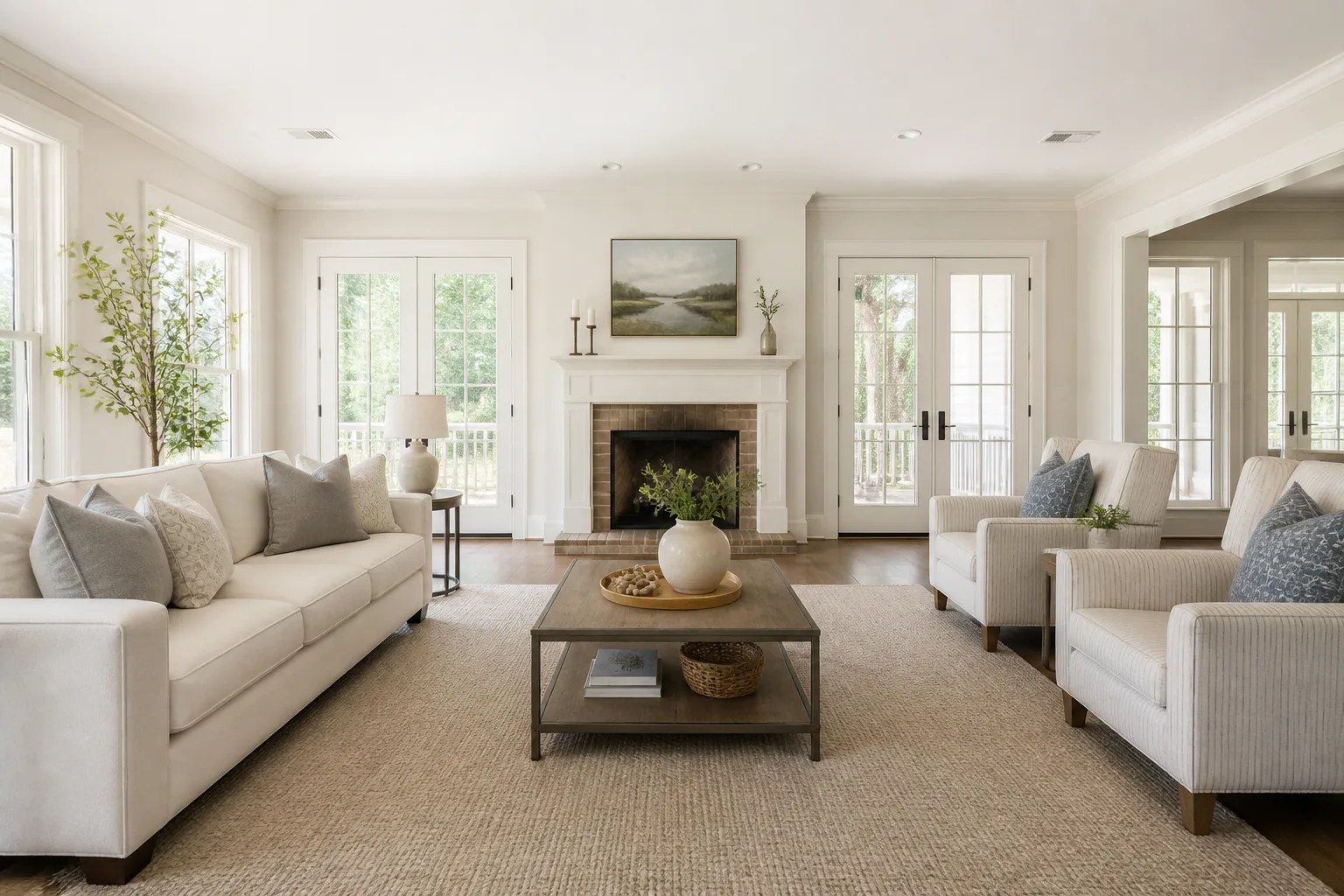
What usually goes wrong
- Empty rooms photograph small, and buyers cannot furnish them mentally
- The family’s life is all over the frames the internet is about to see
- Dim, crooked phone shots doing the talking for the biggest sale you own
- The one cluttered room dragging the whole listing’s impression down
The workflow
- 1Photo CleanupStraighten and balance every frame first — the free ten percent every listing forgets.
- 2Neutral Room ResetTake the biography out of the rooms before strangers scroll through them.
- 3Furnish a Bare RoomFurnish the bare rooms so buyers read purpose and scale instead of echo.
- 4Twilight PhotoGive the exterior its fifteen flattering minutes, on demand.
Questions
- Is virtually furnishing a listing photo acceptable?
- Disclose it as virtually staged where your market requires — the norm in most portals. The tools change presentation, not the property; misrepresenting condition is what the rules (rightly) prohibit.
- Which rooms repay staging most?
- The empty ones and the oddly shaped ones — the rooms buyers cannot read. A furnished render answers "what would even go here", which is the question that loses viewings.
Rooms that come up most
Challenges that tend to apply