How to Light a Media Room
A working lighting plan for a media room — layers, heights and switches, not just a brighter bulb. A room built around a screen without apologising for it.
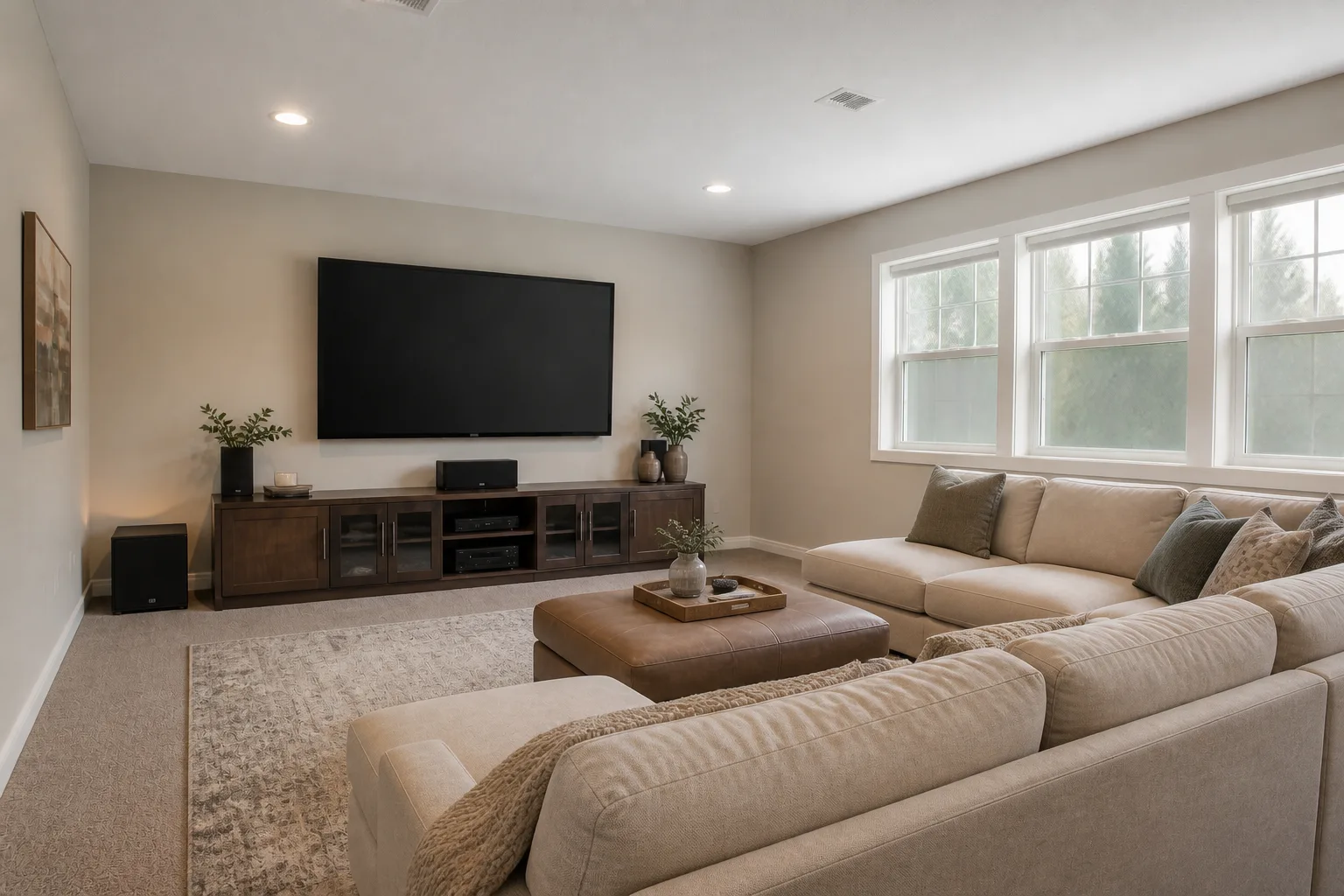 BeforeAfter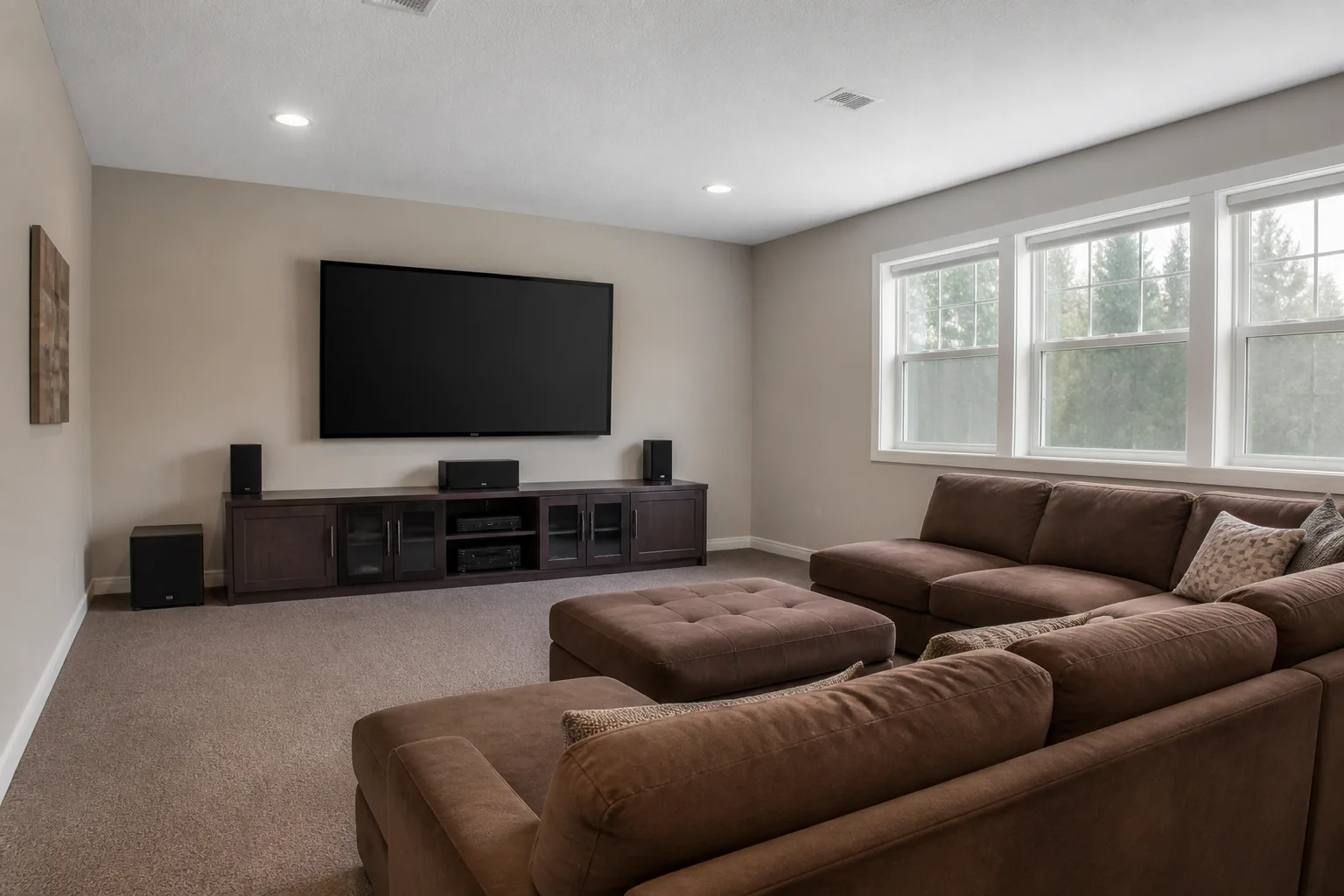
- 1
The plan
Three scenes on one control: full bright for cleaning, half warm for gathering, and viewing — bias light glowing softly BEHIND the screen (which spares the eyes and deepens the blacks), floor-level path lights, everything else off.
- 2
Why the single ceiling light keeps failing
One central source flattens a media room into an evenly lit box: no depth, no zones, and a shadow wherever you stand. Every working scheme for this room is plural — sources at more than one height, switched in more than one group, so the room can change register through the day.
- 3
Match the light to the room’s hours
Everywhere else the television negotiates; here it presides. The room is hired for picture and sound, which sets the plan: seating at the right distance and height, the screen on the windowless wall, surfaces soft enough to stop echo, and light that can go to almost-black without anyone tripping. Everything else — snack tables, shelf glow, a second row on a platform — is set dressing around those four calls. The lighting follows those hours: bright and even when the room is working, warm and low when it is winding down — and the switch layout is what lets one room do both.
- 4
The mistakes to skip
Windows treated with a blind that leaks a halo at every edge. And in every room: bulbs of mixed colour temperature in one view, which reads as a fault even when nobody can say why.
Questions
- What matters most in a media room?
- Everywhere else the television negotiates; here it presides. The room is hired for picture and sound, which sets the plan: seating at the right distance and height, the screen on the windowless wall, surfaces soft enough to stop echo, and light that can go to almost-black without anyone tripping. Everything else — snack tables, shelf glow, a second row on a platform — is set dressing around those four calls.
- Which numbers should I check before buying anything?
- Seating distance: 1.2–1.6× the diagonal for cinematic immersion, further for casual viewing.
- Can I preview this on my own media room?
- Upload a photo in the Studio and run the ideas on the real room. New accounts start with 4 credits and a Standard render costs 4, so the first experiment is free.