square media room
No long wall to lean on, no short wall to feature. The grid is the trap. Here is how that plays out in a media room: the layout that survives it, the furniture worth keeping, the lighting plan, and a way to preview it all on a photo of your own room.
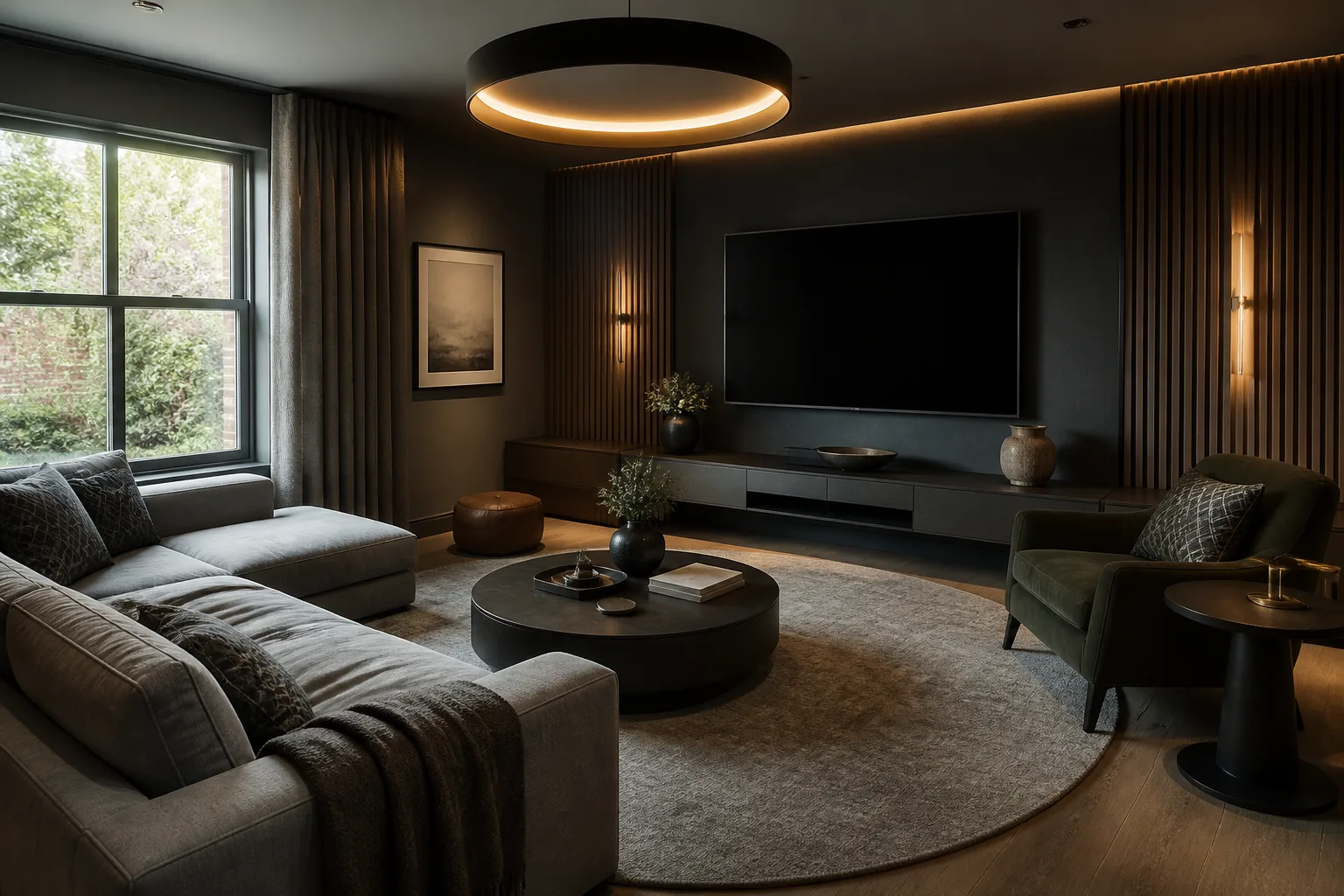
What a square media room is really dealing with
A square room has no natural hierarchy, so furniture tends to land in a ring around a centred rug under a centred light — static, waiting-roomish, and weirdly hard to fix by swapping pieces. The cure is to impose the asymmetry the architecture refused: one corner or one wall is declared the room’s centre of gravity and loaded, and the layout runs diagonally or off-centre against it. None of that changes what the room is for: everywhere else the television negotiates; here it presides. The room is hired for picture and sound, which sets the plan: seating at the right distance and height, the screen on the windowless wall, surfaces soft enough to stop echo, and light that can go to almost-black without anyone tripping. Everything else — snack tables, shelf glow, a second row on a platform — is set dressing around those four calls.
The layout that gets both jobs done
Hold the media room's own numbers first — seating distance: 1.2–1.6× the diagonal for cinematic immersion, further for casual viewing. Then let the constraint pick the arrangement: an off-centre layout: the seating group biased toward one corner; one wall loaded — storage, colour, art — and the others kept quiet; a piece set on the diagonal to break the grid.
Furniture that earns its floor here
The pieces a media room cannot do without are the biggest screen the wall honestly takes, recliners or a deep sofa with headrest support, blackout on every window. Under the square condition, each of them is auditioned against the same test: an off-centre layout: the seating group biased toward one corner.
What to rule out on day one
The square version of this room punishes perfect symmetry: centred rug, centred pendant, furniture ringing the walls; four walls given equal treatment, which makes the room a box with padding. And the media room's own classic error still applies: the screen above a fireplace, 40cm too high, forever.
Lighting it
Kill the single centred pendant, or at least outnumber it: an off-centre floor lamp and two wall sources give a square room the shadows it needs to stop feeling like a lift lobby. Three scenes on one control: full bright for cleaning, half warm for gathering, and viewing — bias light glowing softly BEHIND the screen (which spares the eyes and deepens the blacks), floor-level path lights, everything else off.
The move to make this weekend
Choose the anchor wall — usually the one you face on entering — and move two-thirds of the room’s visual weight onto or toward it. Hierarchy appears, and every other choice gets easier. In a media room that lands next to the fixed rule of the room: any second row needs a 25–30cm platform to see over the first.
Dimensions to hold onto
However the finishes go, the geometry stays: Screen centre lands at seated eye height — 95–105cm — not gallery height. Leave 50cm behind a reclined recliner; they travel further than anyone plans for.
Questions
- Is a square media room worth designing around?
- Yes — no long wall to lean on, no short wall to feature. The grid is the trap. The pages here treat the square condition as the starting brief, not a defect to apologise for.
- Which single change helps a square media room most?
- Choose the anchor wall — usually the one you face on entering — and move two-thirds of the room’s visual weight onto or toward it. Hierarchy appears, and every other choice gets easier.
- How do I light a square media room?
- Kill the single centred pendant, or at least outnumber it: an off-centre floor lamp and two wall sources give a square room the shadows it needs to stop feeling like a lift lobby.
- What gets bought and regretted most in this room?
- The screen above a fireplace, 40cm too high, forever. Under the square condition, add: perfect symmetry: centred rug, centred pendant, furniture ringing the walls.
- Can I try these ideas on a photo of my own media room?
- That is what the Studio is for: upload a photo of the actual room and redesign it with the square playbook applied. A new account starts with 4 free credits and a Standard render costs 4, so the first look is free.